The Safest B2B Cold Email Workflow to Verify Scraped Leads
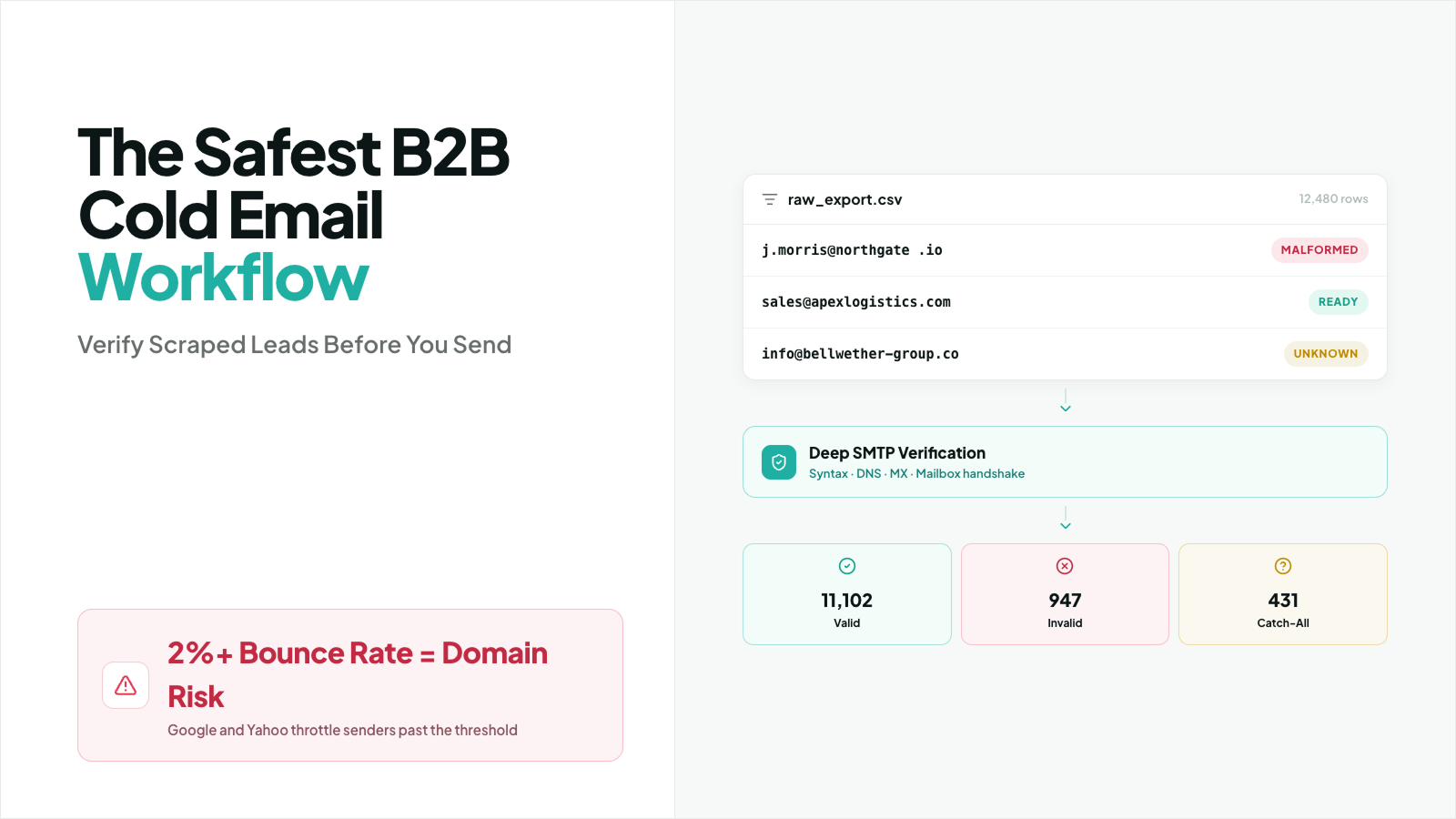
Raw scraped lead lists are one of the fastest ways to create bounce risk in outbound email. Even without relying on proprietary benchmarks, the pattern is well understood: unverified scraped data often includes invalid addresses, abandoned inboxes, formatting errors, and catch-all domains that can hurt deliverability if you send to them too quickly.
If you send cold emails directly to a raw scraped list, you are not just risking a few bounces. You are putting your sending domain, inbox placement, and future campaign performance at risk.
What Happens to Your Domain When You Send to Raw Scraped Leads?
When you send to raw scraped leads, mailbox providers and spam-filtering systems evaluate list quality through real-world signals such as:
- Hard bounces
- Engagement rates
- Spam complaints
- Replies
- Sending consistency
- Domain and IP reputation
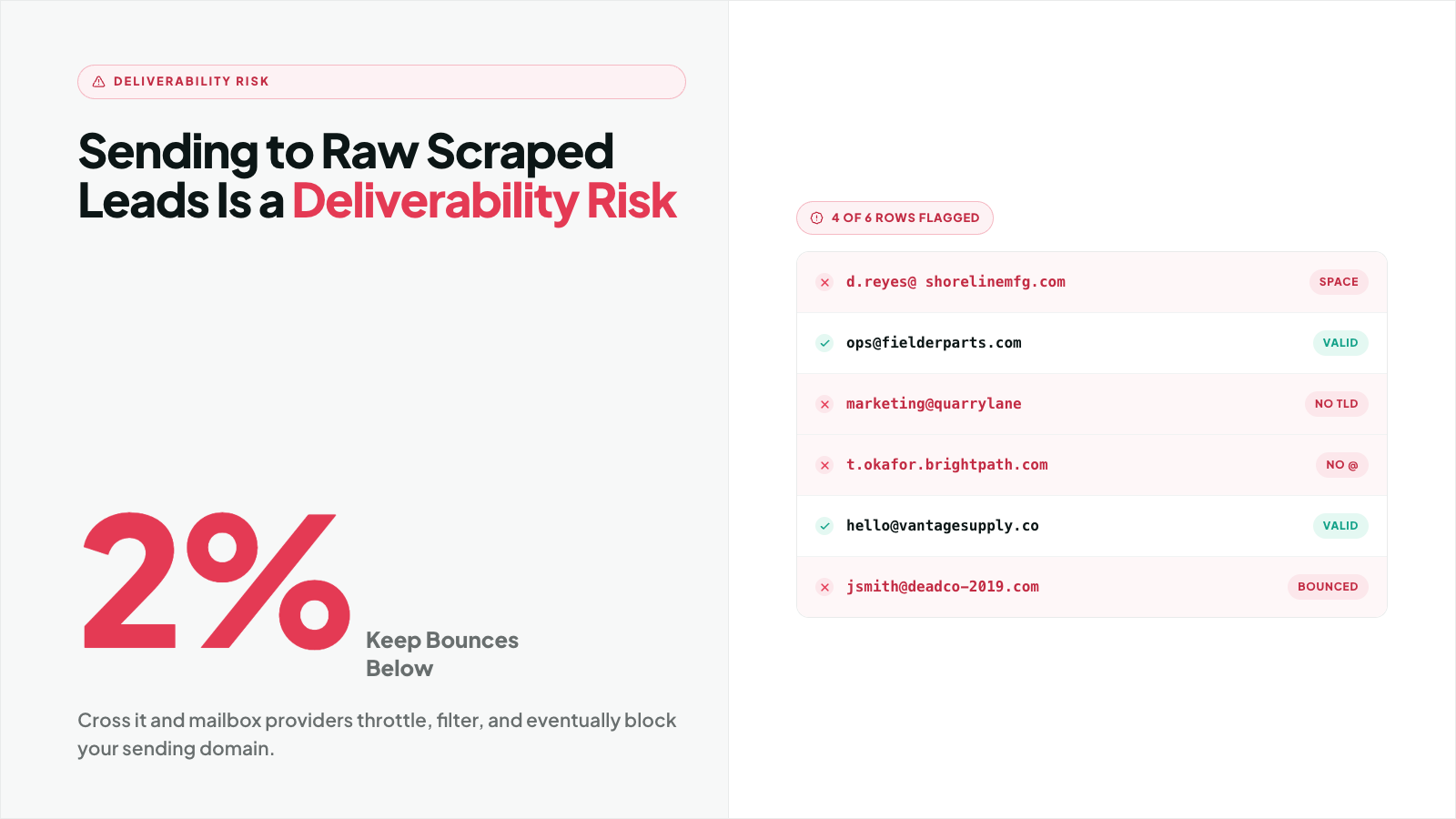
A high bounce rate signals poor list hygiene. That matters because major inbox providers such as Google and Yahoo may throttle, junk, or otherwise limit mail from senders that continue sending to low-quality lists.
A practical operating rule for cold outreach is to treat a 2% bounce rate as a danger threshold. Once campaigns drift above that level, you should assume sender reputation is under pressure. That does not mean every provider uses 2% as a fixed published cutoff in every situation. It means crossing that line is a strong warning sign that your list quality or sending process needs attention.
In plain terms, sending to raw scraped leads can trigger:
- lower inbox placement
- more emails landing in spam
- temporary throttling
- domain reputation damage
- account warnings from your ESP or outbound platform
- blocked sending on future campaigns
That is why the safest workflow is not “scrape and send.” It is scrape, sanitize, verify, segment, and only then launch.
The 3-Step Zero-Bounce Workflow for Scraped Lists
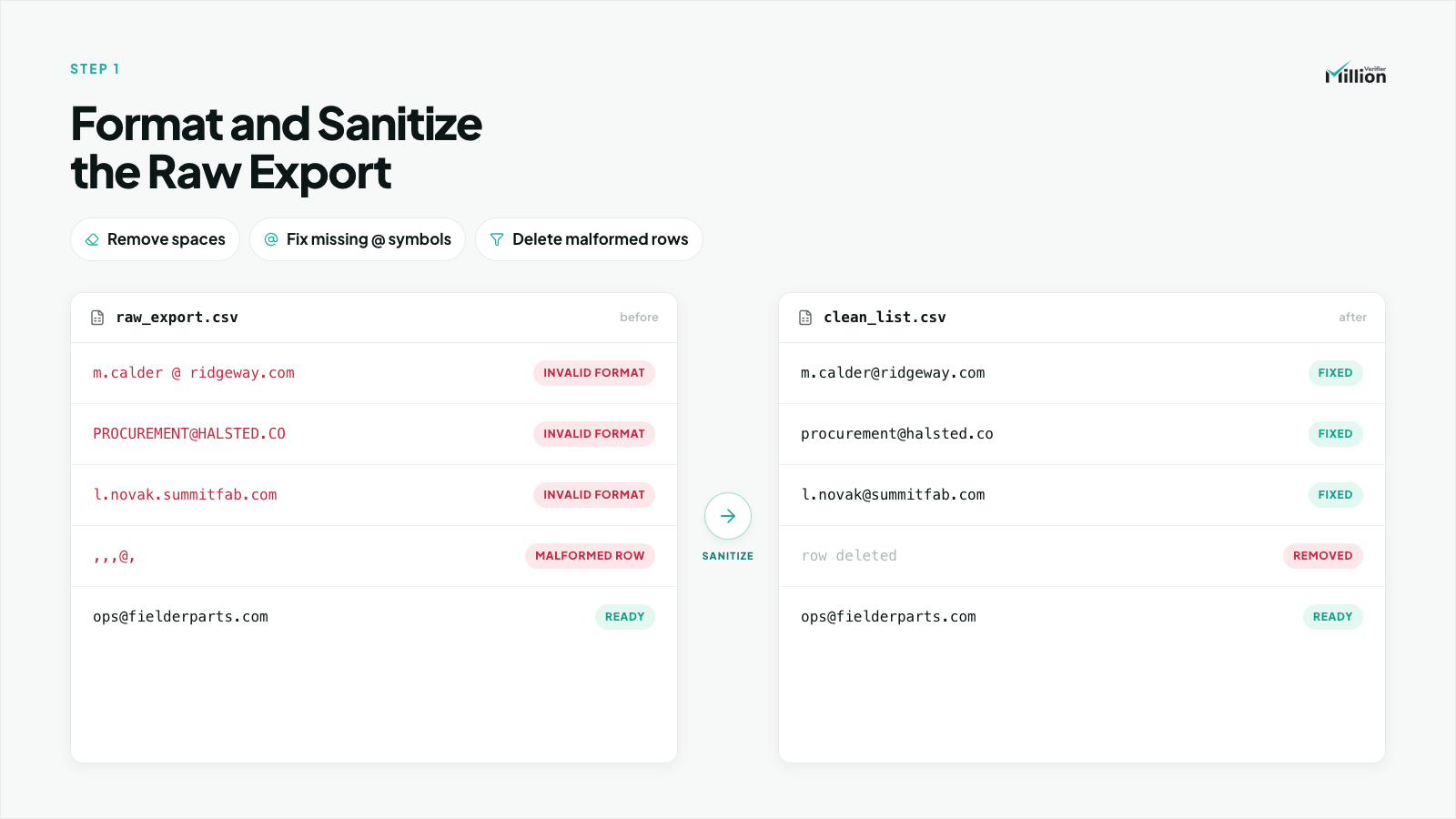
Step 1: Format and Sanitize the Raw Export
- Import the scraped file into a spreadsheet or CSV editor.
- Standardize the email column so every record uses the same field format.
- Remove rows with missing @ symbols.
- Remove rows with spaces before, inside, or after email addresses.
- Convert all addresses to lowercase.
- Delete duplicate emails.
- Delete blank rows and malformed entries.
- Flag role-based accounts such as info@, support@, admin@, sales@, and contact@ if your campaign does not target them.
- Separate obviously risky records before verification.
- Save the cleaned file before running verification to avoid wasting credits on broken or duplicate entries.
This step matters because bad formatting creates avoidable failure volume. If you clean obvious junk before verification, you preserve credits and improve the quality of the results you get back.
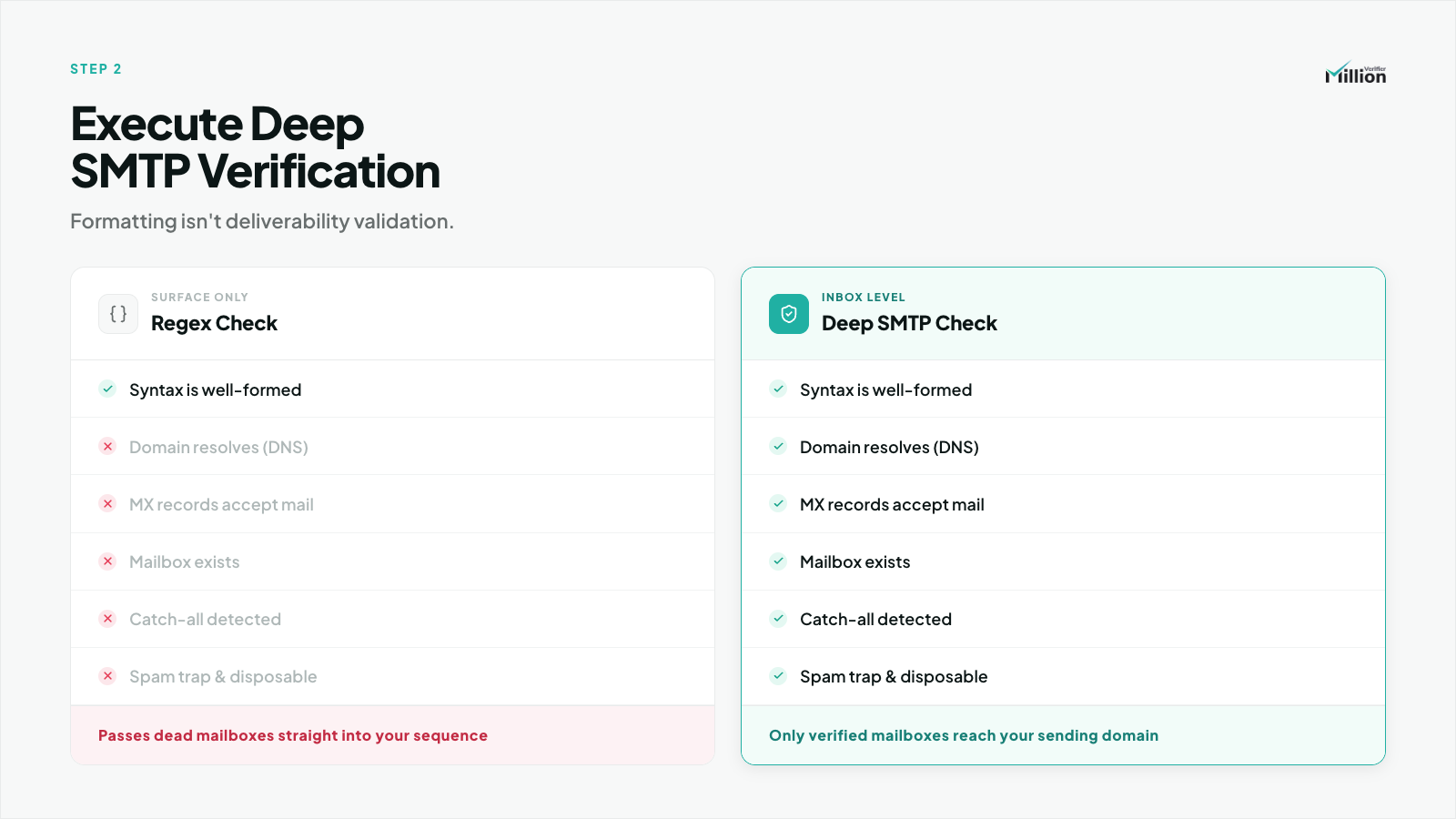
Step 2: Run Deep SMTP Verification with MillionVerifier
- Upload the sanitized list to MillionVerifier.
- Let MillionVerifier check email syntax first.
- Let it validate DNS and MX records to confirm the domain can receive mail.
- Let it perform deep SMTP verification to test mailbox-level acceptability.
- Use the verification result without sending a live email to the recipient.
- Wait for the list to finish processing before exporting the results.
At this stage, MillionVerifier is doing more than a basic pattern match.
- Syntax validation checks whether the address is structurally correct.
- DNS and MX validation checks whether the domain exists and is configured to receive email.
- Deep SMTP handshakes test whether the receiving mail server appears to accept the mailbox, without sending the recipient an actual email message.
That distinction is critical. A regex-only check might confirm that [email protected] looks like an email address. It does not tell you whether the mailbox exists or whether the domain is set up to receive mail.
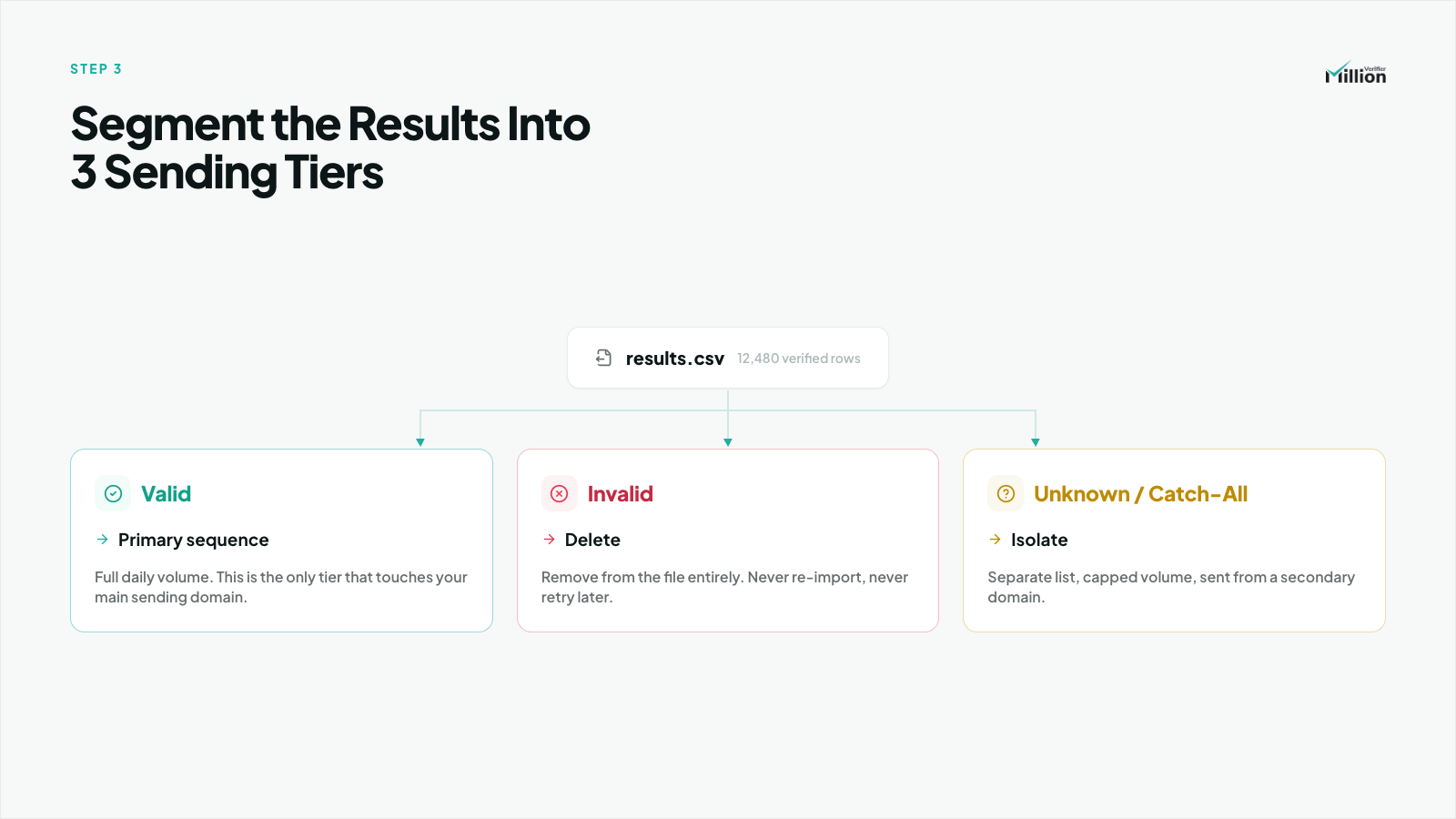
Step 3: Segment the Results into Three Sending Tiers
- Export the verified CSV from MillionVerifier.
- Create separate filters or lists for Valid, Invalid, and Unknown/Catch-All emails.
- Send all Valid emails to your primary cold email sequence.
- Hard delete all Invalid emails.
- Isolate all Unknown/Catch-All emails into a separate list.
- Send the isolated Unknown/Catch-All segment only through a lower-risk drip strategy.
- Do not mix Unknown/Catch-All records into your main verified campaign.
- Review bounce and engagement data separately for each segment.
Use this tiering exactly:
- Valid → push to your primary cold email sequence
- Invalid → hard delete immediately
- Unknown/Catch-All → isolate for drip strategy
This is where most outbound teams either protect their domain or quietly damage it. The mistake is not scraping the data. The mistake is treating every verification result the same.
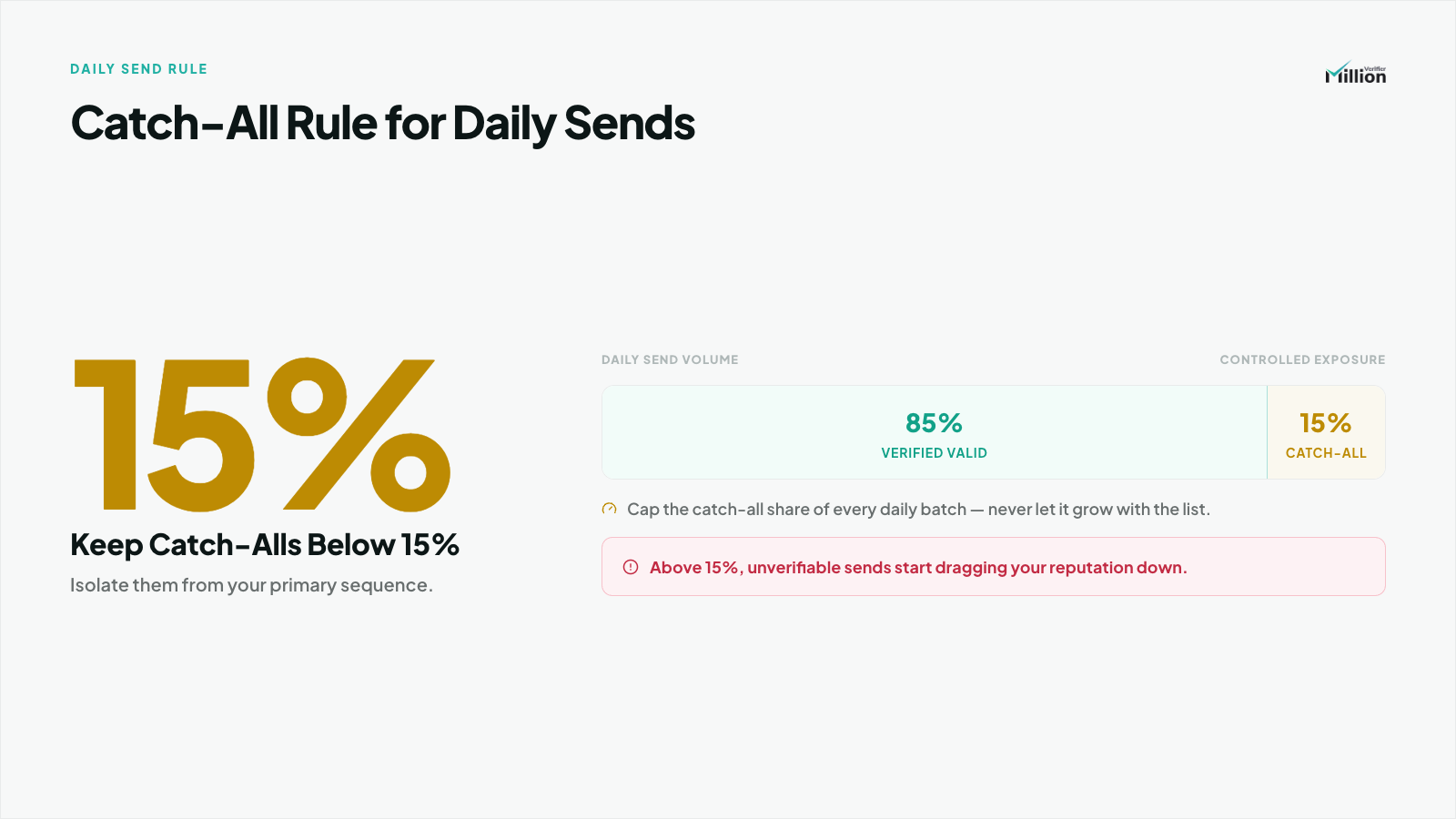
How Should I Handle Catch-All Emails from a Scraped Batch?
Catch-all domains accept mail for many or all inbox names at the server level, which means verification cannot always confirm whether a specific mailbox is truly active. That makes catch-alls inherently riskier than standard valid addresses, even after a verification pass.
Use this rule:
Never exceed 15% catch-alls in a single daily send volume.
That means if you are sending 1,000 emails in a day, no more than 150 should come from your catch-all segment.
Best practice for scraped batches:
- Keep catch-alls in a separate segment
- Send them after your fully valid addresses, not before
- Use a slower drip strategy
- Monitor bounce rate independently
- Pause the segment if performance deteriorates
Learn more about How to Handle Catch-All and Risky Emails here.
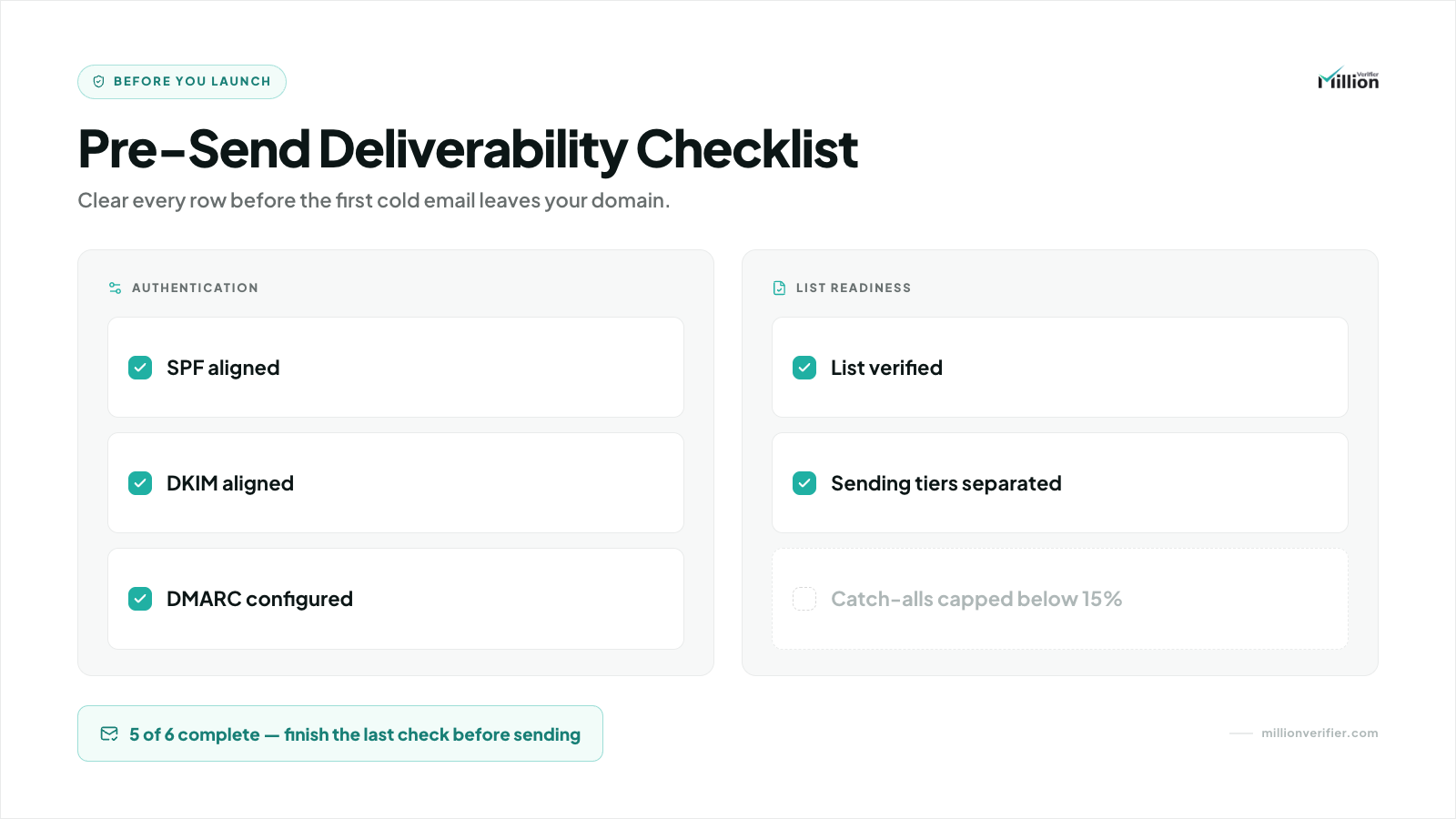
Pre-Send Deliverability Checklist
Before sending from your ESP, confirm the following:
Final Takeaway
The safest B2B cold email workflow for scraped leads is simple:
- Sanitize the raw export
- Verify it deeply with MillionVerifier
- Segment by risk before sending
That process helps you avoid wasting credits, protects your domain from unnecessary bounce damage, and gives your primary sequence the best chance to land in inboxes.
If you scrape first and verify second, you can still run outbound safely. If you scrape and send without verification, you are effectively asking your domain to absorb preventable risk.
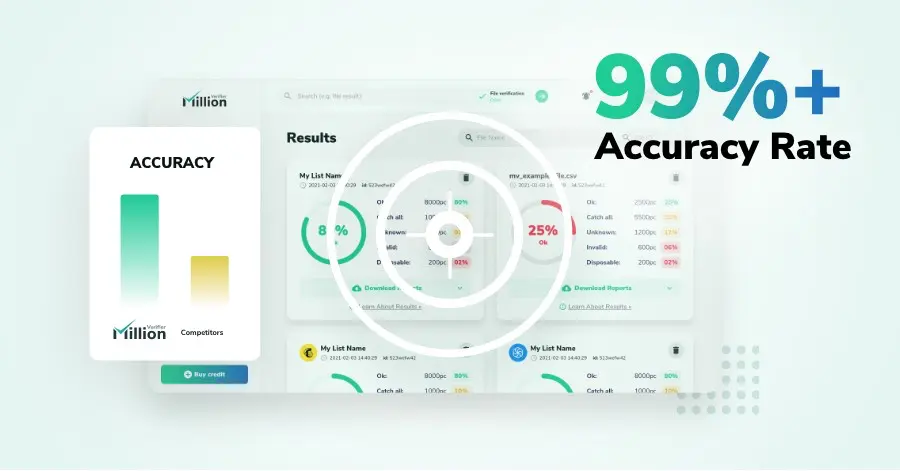
We have kept improving our email verification software for over six years now, and we are incredibly proud of our outstanding 99%+ email verification accuracy.
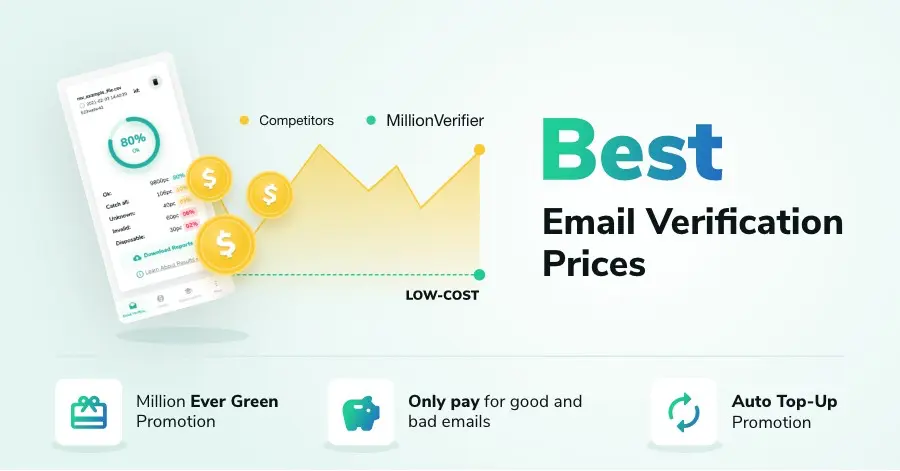
We have created MillionVerifier to provide the best email verification service possible for email marketers with higher email verification needs.
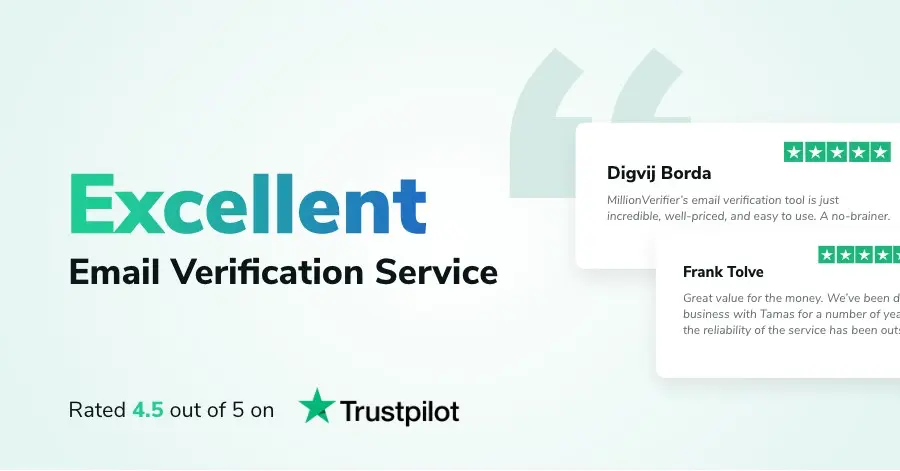
Our customers love what we do. We work hard to deliver the best results and user experience for our customers.