The Ultimate Guide to Email Verification & List Cleaning
Turn risky, decaying contact data into a clean, revenue-ready pipeline with the ultimate guide to email list hygiene.
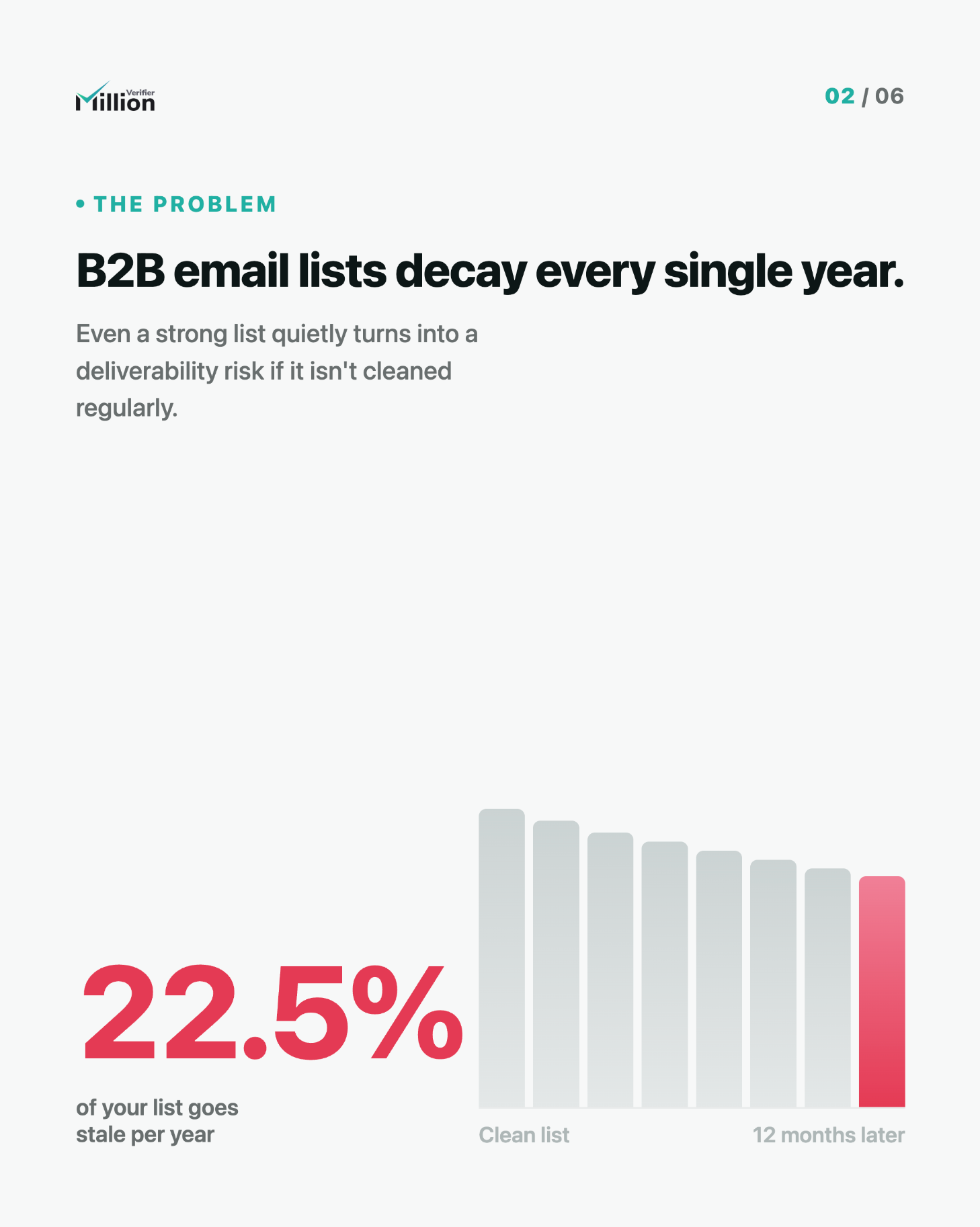
- Email lists decay fast - by 22.5% every year - which means even a good database can quietly become a deliverability risk.
- Email verification checks whether an address exists and can safely receive mail without sending an email.
- List cleaning removes invalid, disposable, duplicated, and risky addresses before they hurt your sender reputation.
- Strong verification helps reduce bounces, improve inbox placement, protect domain health, and increase campaign ROI.
- MillionVerifier combines 99%+ accuracy, greylisting handling, Smart Verify, and a built-in Catch-All Verifier that can resolve 30% to 40% of risky emails.
- It’s also GDPR compliant, and no credits are charged for Unknown or Catch-All results.
TL;DR
If you send email marketing, cold outreach, newsletters, or lifecycle campaigns, list hygiene is not optional. Email addresses go bad constantly due to job changes, abandoned inboxes, typos, domain issues, and disposable signups. Email verification helps you remove dangerous addresses before you hit send.
The result: fewer bounces, better deliverability, stronger sender reputation, and more revenue from the same list.
If you want a fast, accurate, and privacy-conscious way to clean your database, MillionVerifier gives you 99%+ accuracy, advanced greylisting handling, Smart Verify for deeper checks, and a built-in Catch-All Verifier that can resolve 30% to 40% of risky emails—while charging no credits for Unknown or Catch-All.
What is Email Verification?
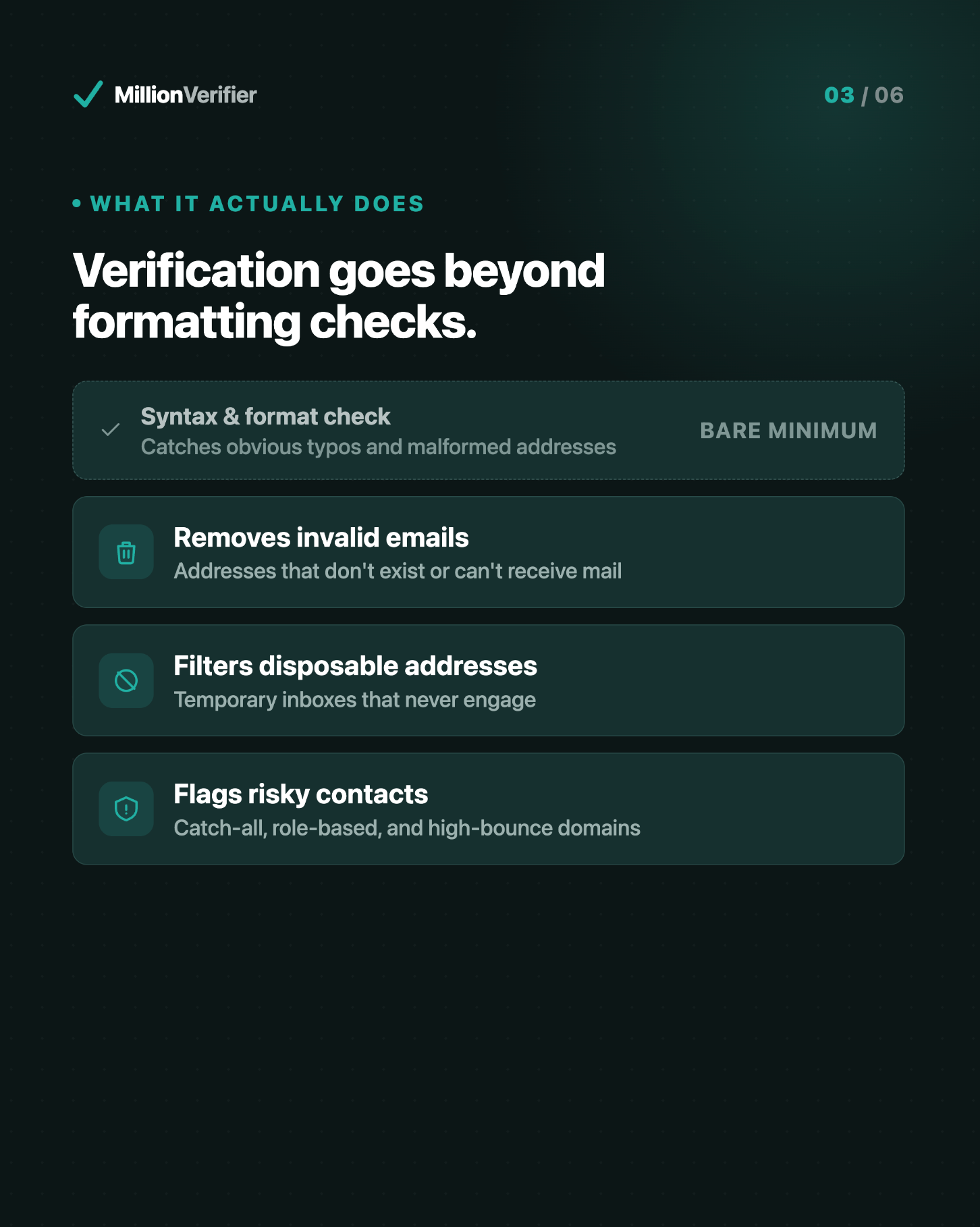
Email verification is a technical process that checks if an email address exists and is safe to receive mail, without actually sending a message. It removes invalid, disposable, and risky emails from your database to protect your sender reputation.
In practical terms, email verification helps you answer questions like:
- Does this email address have the correct format?
- Does the domain exist and accept email?
- Is the mailbox active?
- Is it disposable or temporary?
- Is it a risky catch-all address?
- Could it trigger bounces or harm deliverability?
Instead of blasting your full list and hoping for the best, verification gives you a safer, data-backed way to decide who should receive your campaigns.
Email Validation vs. Email Verification: What’s the Difference?
These terms are often used interchangeably, but they are not the same.
Email validation
Email validation is a basic front-end or formatting check. It looks at whether an address appears to be written correctly.
For example, validation can detect:
- Missing @ symbols
- Invalid characters
- Bad syntax
- Obvious formatting mistakes
Validation is useful, but it only checks the surface.
Email verification
Email verification goes much deeper. It checks whether the address is actually connected to a real, reachable mailbox and whether it is safe to mail.
Verification can assess:
- Domain existence
- MX records
- SMTP response behavior
- Mailbox availability
- Disposable status
- Catch-all risk
- Temporary server issues like greylisting
The simplest way to think about it
- Validation asks: “Is this email formatted correctly?”
- Verification asks: “Can this email really receive mail safely?”
If you care about deliverability, sender reputation, and campaign performance, verification is the one that matters most.
Why Email List Cleaning Matters
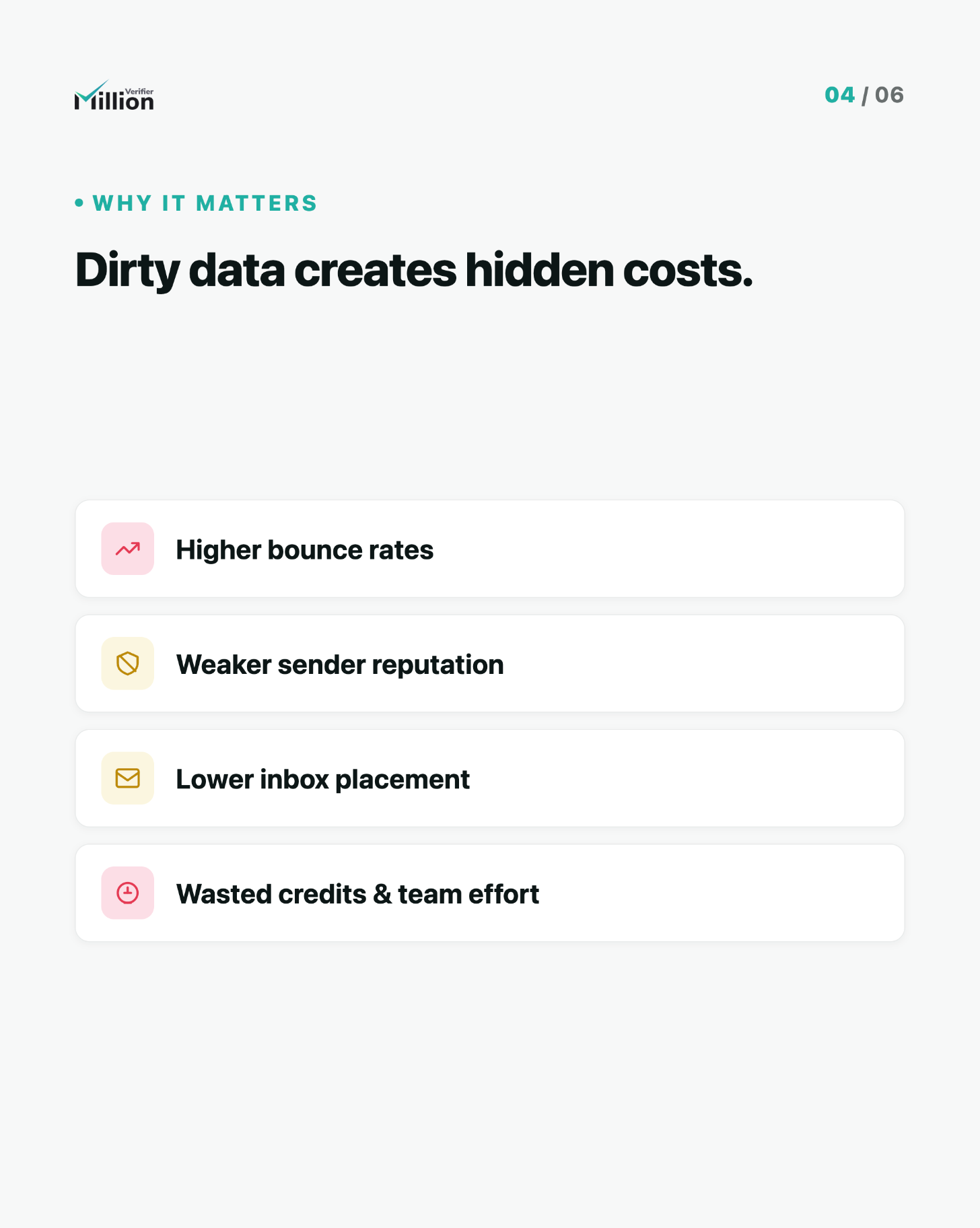
A dirty email list costs more than most senders realize.
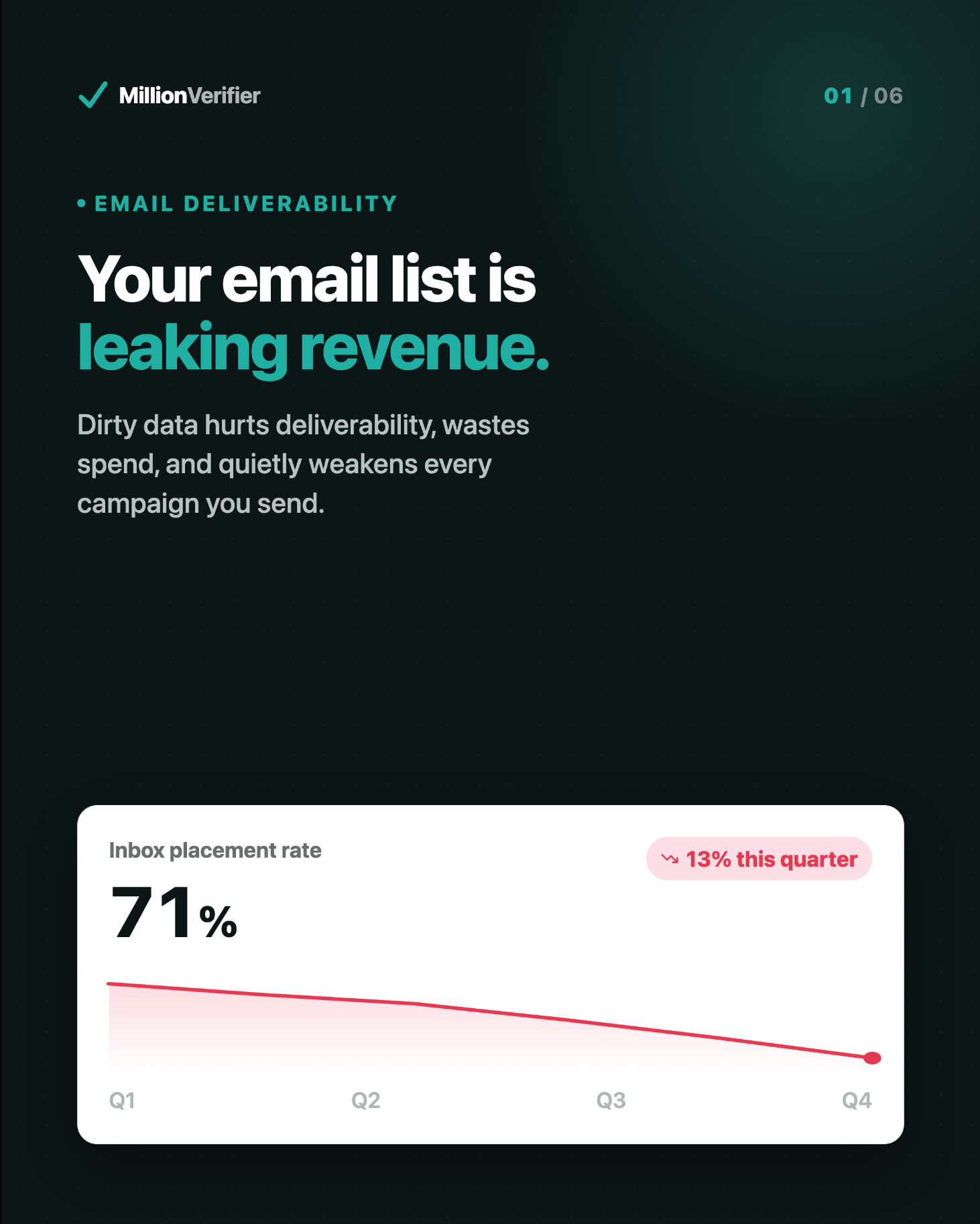
Email databases naturally degrade over time. In fact, email lists decay by around 22.5% per year. That means even a healthy list can become unreliable surprisingly quickly.
People change jobs. Companies shut down domains. Users abandon inboxes. Typos slip into forms. Temporary addresses get used once and disappear.
If you keep mailing those addresses, the damage adds up:
- Higher bounce rates
- Lower inbox placement
- Weaker sender reputation
- More spam complaints
- Reduced engagement
- Wasted ad spend and sending costs
- Poor reporting accuracy
Clean lists perform better because they remove hidden friction from every campaign. When you only send to real, reachable, lower-risk contacts, your metrics become more trustworthy and your revenue per send tends to improve.
How Email Verification Works
Modern email verification is a multi-step process, not a single check.
A robust verifier typically looks at several technical signals to classify each address accurately.
1. Syntax and formatting check
The system checks whether the email is correctly structured.
This catches obvious issues like:
- Misspellings
- Missing characters
- Invalid formatting
2. Domain check
The verifier confirms that the domain exists and is properly configured to receive email.
If the domain is inactive, parked, or broken, the address is not safe to send to.
3. MX record check
MX records show whether a domain has mail servers set up to handle incoming email.
If valid MX records do not exist, deliverability is highly unlikely.
4. SMTP and mailbox-level checks
This step helps determine whether the mailbox exists and can receive mail.
A high-quality provider performs these checks carefully, without sending an actual email.
5. Disposable email detection
Some users sign up with temporary addresses that expire quickly or are created only to access a gated asset.
These addresses rarely provide long-term value and can distort engagement data.
6. Catch-all analysis
Catch-all domains are configured to accept messages for many or all addresses on the domain, even when a specific mailbox may not truly exist.
That makes them harder to classify and riskier to send to blindly.
MillionVerifier includes a built-in Catch-All Verifier that can resolve 30% to 40% of risky emails, giving you more actionable data than a basic verifier.
7. Greylisting handling
Some mail servers temporarily reject verification attempts as an anti-spam tactic. This is called greylisting.
If a verifier doesn’t handle greylisting properly, it may misclassify valid addresses as risky or unknown.
MillionVerifier includes advanced greylisting handling to improve result quality and reduce false uncertainty.
What Makes a Good Email Verification Service?
Not all verifiers are equal. If you are choosing a platform, look for more than just low pricing.
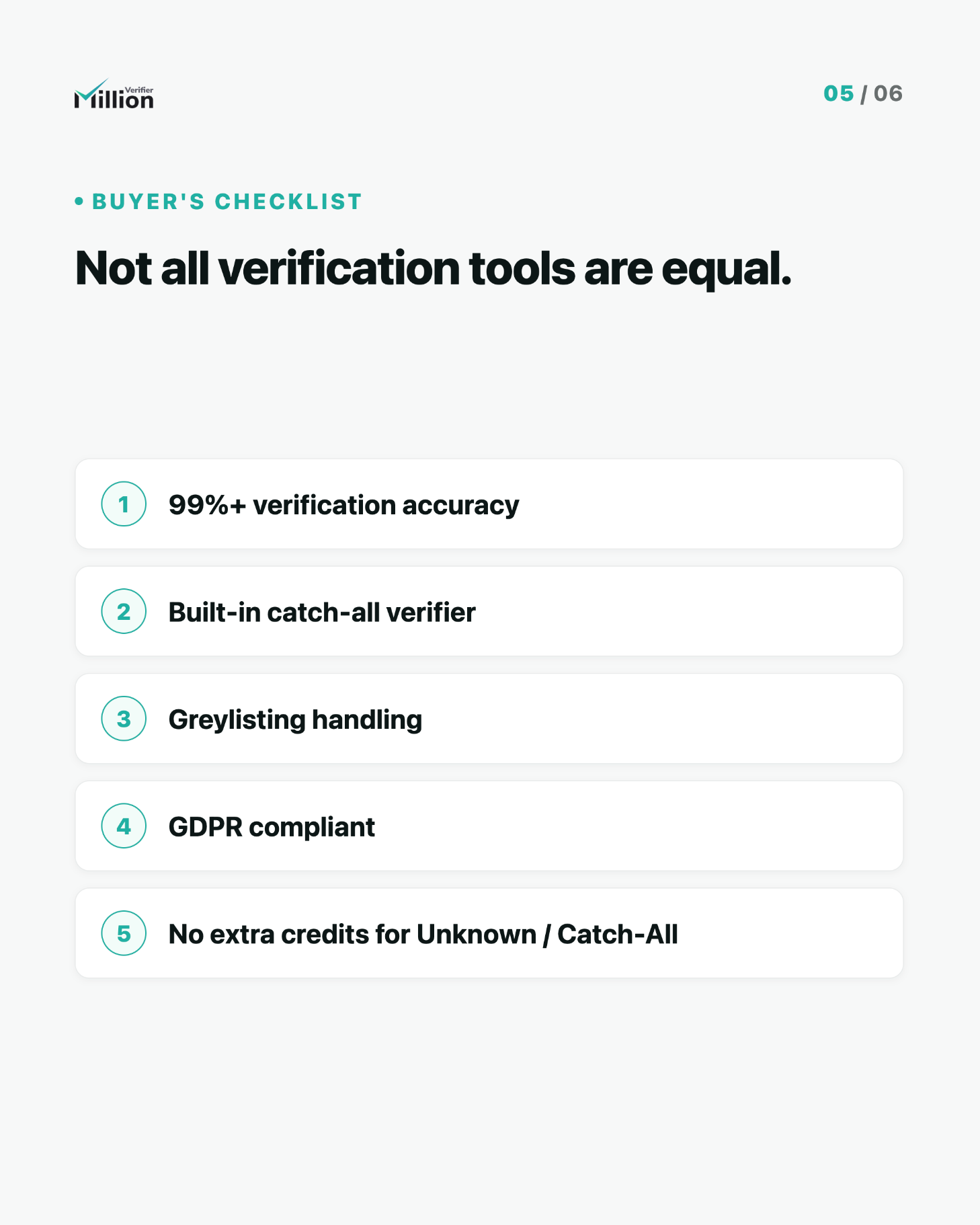
A strong email verification service should offer:
- High accuracy so you can clean lists confidently
- Fast processing for large databases
- Catch-all intelligence to reduce risky gray areas
- Greylisting handling to improve classification quality
- Clear result categories for easier decision-making
- GDPR compliance for privacy-conscious operations
- Fair billing that does not punish uncertainty
MillionVerifier is built around these priorities, including 99%+ accuracy, Smart Verify, catch-all resolution, and no credits charged for Unknown or Catch-All results.
Key Benefits of Email Verification
When done consistently, email verification improves performance across your entire email program.
Better sender reputation
Mailbox providers pay close attention to bounce patterns and overall list quality. A cleaner list helps protect your reputation over time.
Lower bounce rates
Removing invalid or non-existent addresses before sending reduces hard bounces and keeps your campaigns healthier.
Improved deliverability
Lower bounce risk and better sender signals can help more of your emails land in the inbox instead of the spam folder.
Higher campaign ROI
Every send becomes more efficient when fewer messages are wasted on dead or risky addresses.
More accurate reporting
A cleaner list gives you a more realistic picture of opens, clicks, conversions, and true audience engagement.
Better segmentation and targeting
When your database is healthier, your automations and segmentation logic become more reliable too.
When Should You Verify an Email List?
The short answer: more often than most teams do.
Here are the best times to verify:
Before sending a campaign
This is the most important use case. If you’re about to launch a major campaign, verify first.
After collecting leads
Any form, popup, webinar registration, giveaway, or lead magnet can introduce typos, fakes, and disposable addresses.
Before importing old lists into your ESP
If a list has been sitting untouched for months, it should be cleaned before use.
During regular database maintenance
Verification should be part of ongoing hygiene, not a one-time fix.
Before cold outreach at scale
In outbound email, list quality directly affects domain reputation and reply performance. Verification is essential.
How Often Should You Clean Your Email List?
There is no single rule for every business, but a few practical guidelines work well.
You should clean your list:
- Before every major send
- At least monthly for active email programs
- Immediately before re-engagement campaigns
- Any time you import a third-party or older database
- Continuously, if your lead flow is high-volume
Because list decay averages 22.5% annually, waiting too long between cleanings can quietly erode campaign performance.
What Do Email Verification Results Mean?
Verification platforms usually sort addresses into categories so marketers can decide what to do next.
Valid
The email appears safe to send.
Invalid
The address is not deliverable and should be removed.
Disposable
The address comes from a temporary email provider and is typically not worth keeping.
Catch-All
The domain accepts many addresses, making the specific mailbox harder to confirm.
These can be risky, but they should not be treated the same as obviously invalid addresses.
Unknown
The verifier could not reach a confident conclusion, often due to server behavior, restrictions, or temporary responses.
With MillionVerifier, no credits are charged for Unknown or Catch-All, which makes large-scale cleaning more cost-efficient and transparent.
What Is Smart Verify?
Smart Verify is MillionVerifier’s enhanced verification approach designed to improve decision-making on more difficult email addresses.
Instead of relying only on basic checks, Smart Verify helps provide deeper insight where standard verification may leave too many addresses in a grey area.
This is especially useful when you want:
- Better confidence at scale
- More actionable list-cleaning results
- Improved handling of edge cases
- Stronger performance on risky segments
Combined with MillionVerifier’s built-in Catch-All Verifier and greylisting handling, Smart Verify helps turn more uncertain records into usable intelligence.
Catch-All Emails: Why They Matter
Catch-all emails are one of the biggest blind spots in email verification.
A catch-all domain is configured to accept messages sent to many or all addresses, even if a mailbox is not clearly verifiable. That means a standard verifier may label them as risky or ambiguous.
Why this matters:
- Some catch-all emails are real and valuable
- Others are role-based, dormant, or effectively undeliverable
- Sending to too many unresolved catch-all addresses can increase risk
MillionVerifier’s built-in Catch-All Verifier can resolve 30% to 40% of risky emails, helping you recover more usable contacts without increasing unnecessary risk.
Is Email Verification GDPR Compliant?
It can be -if you use the right provider and the right processes.
MillionVerifier is GDPR compliant, making it a strong fit for teams that care about privacy, responsible data handling, and European regulatory standards.
That said, GDPR compliance also depends on how your business collects, stores, and uses personal data. Verification should be one part of a broader compliant email marketing practice.
Common Email Verification Mistakes to Avoid
Even good teams make preventable list-cleaning mistakes.
1. Verifying only once
Email hygiene is ongoing. A one-time cleanup is not enough because data keeps decaying.
2. Treating all risky emails the same
Not every catch-all or unknown email should be handled identically. Smarter categorization leads to better decisions.
3. Ignoring old lists
Older databases usually contain more invalid, abandoned, or outdated addresses.
4. Choosing a tool based only on price
Cheap verification is expensive if it hurts deliverability or gives unreliable results.
5. Skipping verification before important sends
Large campaigns increase the cost of every list-quality mistake.
How to Choose the Right Email Verification Tool
If you are comparing providers, use this checklist:
- Is the accuracy consistently high?
- Does it handle catch-all domains intelligently?
- Does it account for greylisting?
- Is the pricing transparent?
- Is it GDPR compliant?
- Does it scale for large uploads?
- Are the result categories easy to act on?
- Does it support efficient workflows for marketers and sales teams?
For many teams, MillionVerifier stands out because it combines:
- 99%+ accuracy
- Smart Verify
- Built-in Catch-All Verifier
- Greylisting handling
- GDPR compliance
- No credits charged for Unknown or Catch-All
That combination makes it especially attractive for businesses that want both performance and fairness.
Best Practices for Ongoing List Hygiene
Verification works best when it is part of a broader email quality strategy.
Use real-time checks on forms
Prevent bad addresses from entering your system in the first place.
Verify lists before large sends
Do not wait until bounce rates become a problem.
Remove or suppress invalid emails quickly
Once an address is confirmed bad, stop sending to it.
Review risky segments carefully
Use catch-all and unknown classifications strategically rather than blindly.
Monitor deliverability metrics
Watch bounce rates, open rates, spam complaints, and inbox placement trends.
Make cleaning a recurring process
Healthy sender reputation is built through consistency.
Frequently Asked Questions
Does email verification send an actual email?
No. Email verification checks whether an address exists and is safe to receive mail without actually sending a message.
What’s the difference between email validation and verification?
Validation checks formatting. Verification checks whether the address, domain, and mailbox are actually deliverable and safe to send to.
Why should I clean my list if people opted in?
Because opt-in lists still decay. On average, email databases degrade by 22.5% per year, even when they were originally collected legitimately.
How accurate is MillionVerifier?
MillionVerifier offers 99%+ accuracy, helping teams clean lists with confidence and reduce unnecessary bounce risk.
What are catch-all emails?
Catch-all emails come from domains that accept mail for many or all addresses, making individual mailbox verification harder. MillionVerifier’s built-in Catch-All Verifier can resolve 30% to 40% of risky emails.
What does greylisting mean?
Greylisting is when a mail server temporarily rejects a verification attempt as an anti-spam measure. MillionVerifier includes greylisting handling to improve verification quality.
What is Smart Verify?
Smart Verify is MillionVerifier’s enhanced verification capability for deeper analysis, especially useful for difficult or uncertain addresses.
Is MillionVerifier GDPR compliant?
Yes. MillionVerifier is GDPR compliant.
Do I pay for every result?
No. With MillionVerifier, no credits are charged for Unknown or Catch-All results.
Final Thoughts
Email verification is no longer just a technical nice-to-have. It is a core part of protecting deliverability, preserving sender reputation, and getting better returns from every campaign you send.
With lists decaying by 22.5% every year, doing nothing is expensive. The longer you wait, the more invalid and risky contacts build up in your database.
If you want a smarter, more accurate way to clean your email list, MillionVerifier gives you the tools to do it with confidence: 99%+ accuracy, Smart Verify, advanced greylisting handling, a built-in Catch-All Verifier that resolves 30% to 40% of risky emails, GDPR compliance, and no credits charged for Unknown or Catch-All.
Ready to clean your list?
Verify your emails with MillionVerifier and send your next campaign with more confidence, fewer bounces, and better results.