Step-by-Step: Automating List Cleaning in HubSpot and Mailchimp
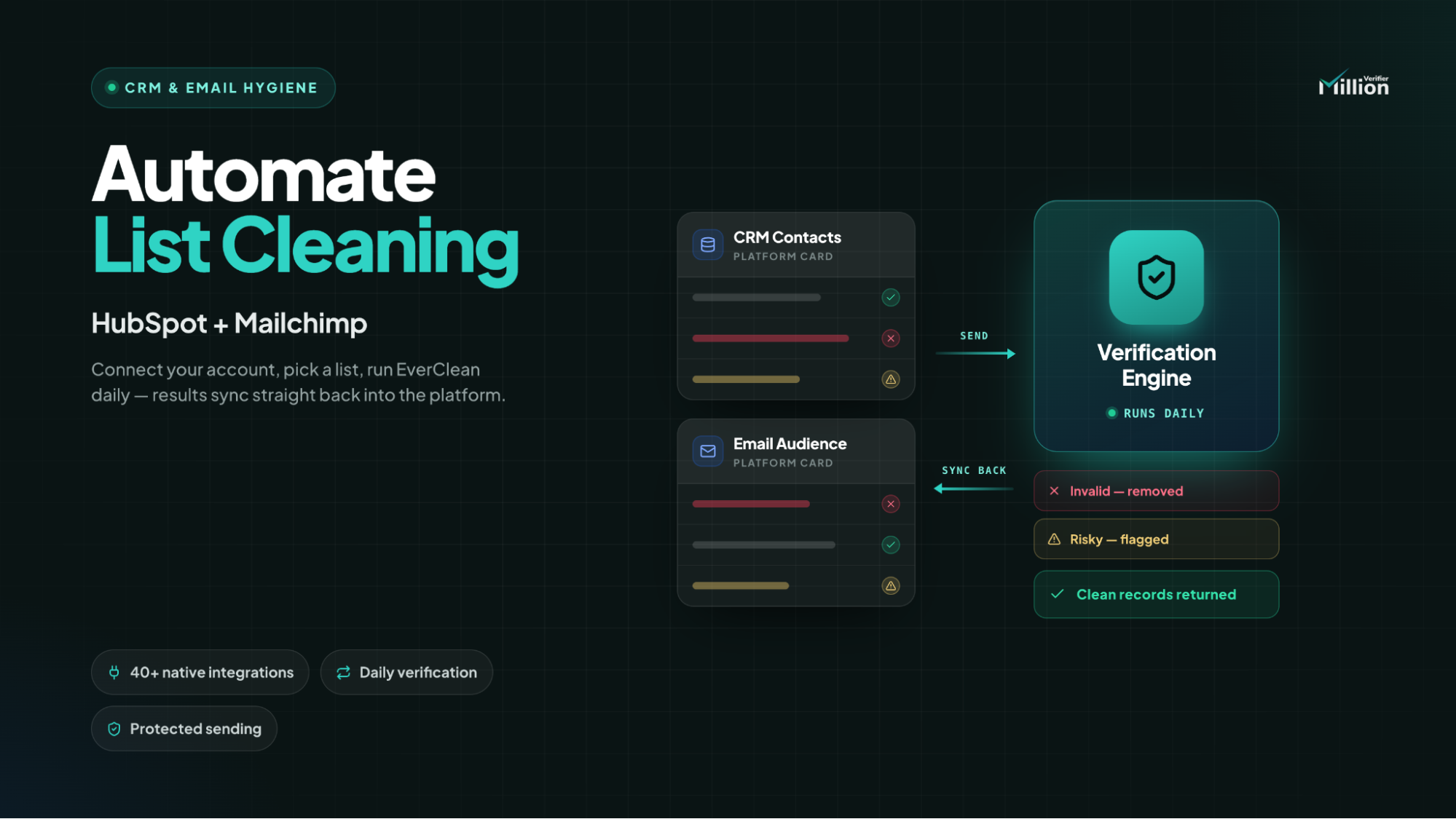
Native integrations are usually the smarter option for ongoing list cleaning because they remove extra automation steps, reduce task usage, and keep syncs moving faster.
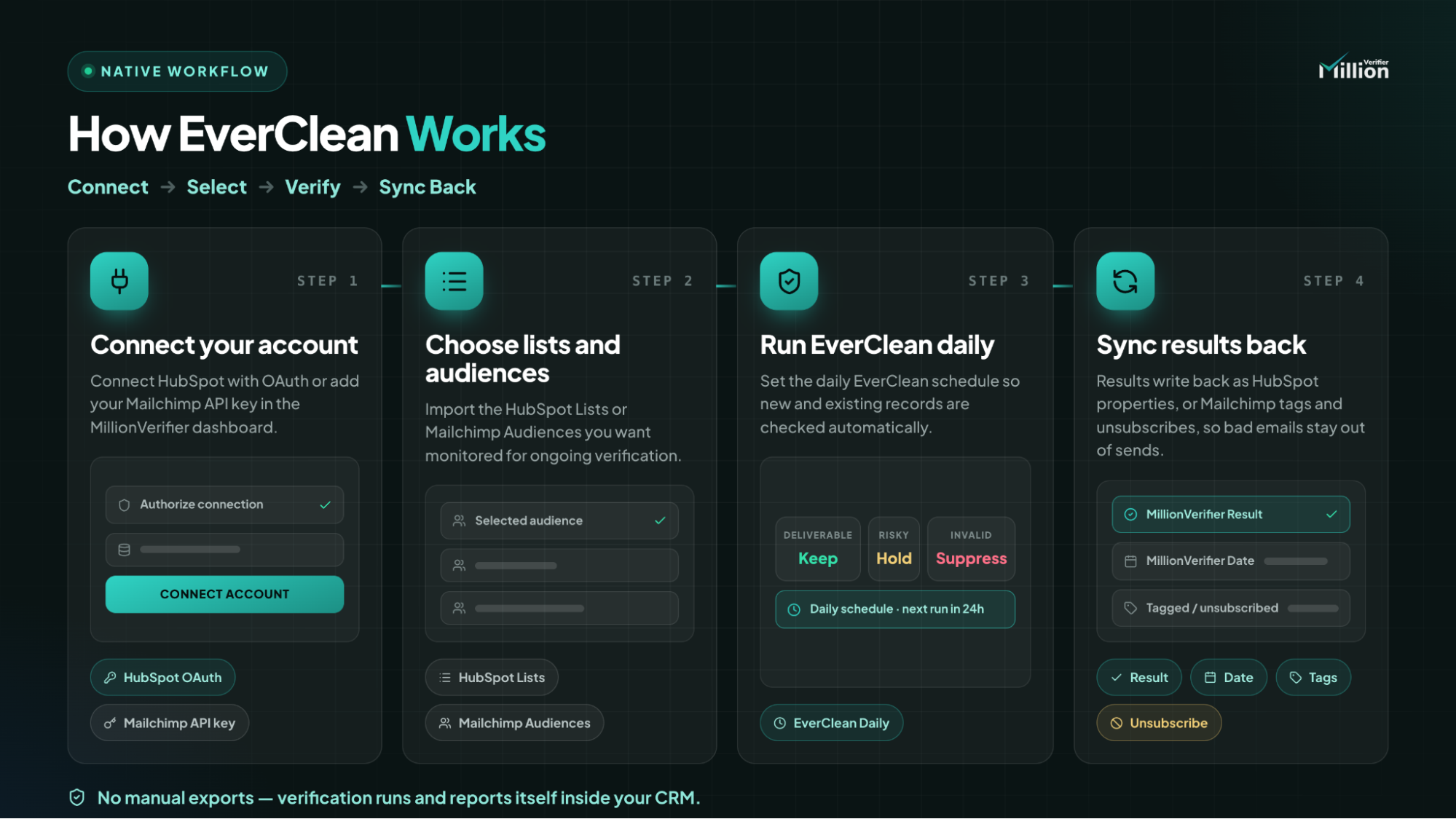
With MillionVerifier, you can connect HubSpot or Mailchimp, choose the lists or audiences you want to monitor, and run EverClean on a daily schedule.
Once verification results flow back into your platform, you can use properties, tags, and unsubscribe rules to keep bad emails out of campaigns and measure the operational value of better list hygiene.
If you add contacts to HubSpot or Mailchimp every week, list cleaning cannot be a one-time task. New leads come in, old addresses go stale, and deliverability issues build quietly in the background. The goal is not just to verify a file once. The goal is to build a workflow that checks incoming records automatically and sends the results back into the tools your team already uses.
That is where native integrations matter. If you are comparing Zapier vs native integration for list cleaning, or searching for how to verify emails in HubSpot and clean a Mailchimp audience automatically, the most practical approach is usually the most direct one. This guide shows how to do that with MillionVerifier using HubSpot lists, Mailchimp audiences, and a daily EverClean schedule.
Why Native CRM Integrations Beat Third-Party Automation Tools
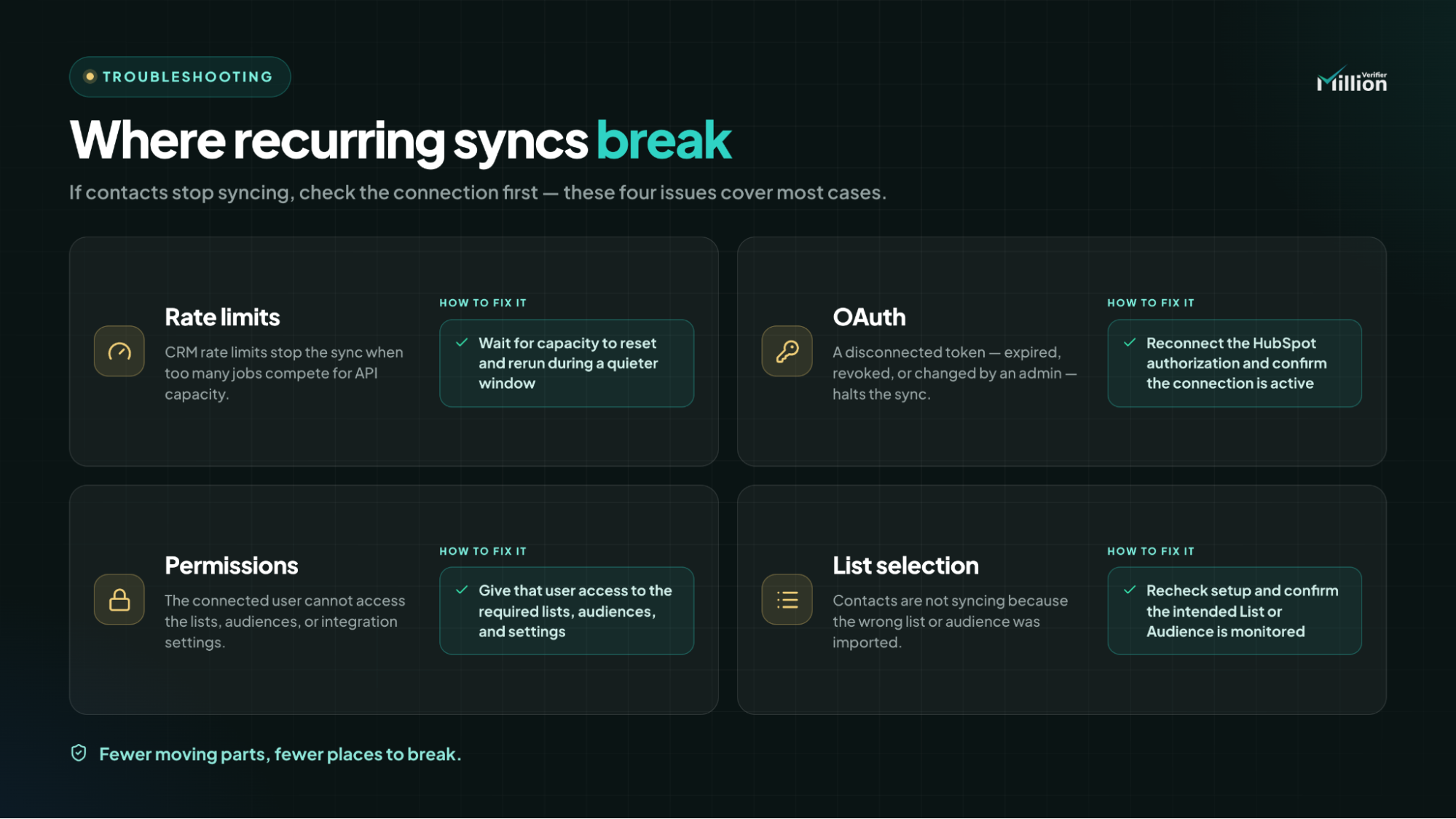
Third-party automation tools can be useful when you need to connect apps quickly. But they are not always the best fit for recurring, high-volume list cleaning.
For bulk verification, a tool like Zapier can create two common problems:
- Task quotas disappear quickly: Repeated triggers, updates, and routing steps can consume automation volume faster than expected, driving up costs.
- Syncs can slow down: Adding another layer between your CRM, your ESP, and your verification workflow creates extra handoffs and more room for delay.
That is why native connections are usually the better long-term choice for HubSpot automated list cleaning and Mailchimp automatic email verification. The workflow is simpler, the data path is shorter, and the operating cost is easier to control.
MillionVerifier positions this approach around 40+ ready-to-use integrations, giving teams a more seamless and cost-effective way to keep contact data in sync without building a complicated automation stack around a basic hygiene task.
How to Connect HubSpot to an Automated Verification Workflow
- Open the MillionVerifier dashboard and choose HubSpot from the integrations area.
- Authorize the OAuth connection to HubSpot, confirm you are connecting the correct account, and complete the permission flow. MillionVerifier is SOC 2 compliant, ensuring your data is handled securely during this process.
- Select the HubSpot Lists you want to import and monitor for ongoing verification.
- Set the daily EverClean schedule.
Mapping Custom HubSpot Properties for Verification Status
Once verification runs, the integration pushes the results back into HubSpot so your team can act on them inside the CRM.
Examples of the contact properties used in this setup include:
- MillionVerifier Result
- MillionVerifier Date
Those fields turn verification into something operational, not just informational. Instead of checking results manually, you can create an Active List in HubSpot that filters out contacts with poor verification outcomes and automatically excludes them from marketing sends.
That is the practical answer to how to verify emails in HubSpot at scale: verify the contacts, write the status back into properties, and use those properties to control who stays eligible for campaigns.
How to Automate List Cleaning in Mailchimp
- Add your Mailchimp API key in the MillionVerifier dashboard.
- Choose the Mailchimp Audience you want to monitor.
- Enable the daily EverClean sync.
Managing Mailchimp Tags and Unsubscribe Rules
After each verification cycle, MillionVerifier can update Mailchimp so the outcome is reflected where your email team already works.
That update can be useful in two ways:
- Invalid emails can be tagged, which helps with segmentation, reporting, or review.
- Invalid emails can be safely unsubscribed so they do not remain active in your sendable audience.
For teams trying to clean a Mailchimp audience automatically, this is what makes the workflow practical. You are not just identifying bad records. You are using the result to keep those records from staying active inside the audience.
Building a Deliverability Safety Net for Your CRM
Once the automation is live, build a simple dashboard or report in HubSpot and/or Mailchimp that tracks the weekly number of contacts marked Invalid or Risky by the EverClean integration.
Keep the reporting simple. Track:
- Total invalid emails caught each week
- Total risky emails caught each week
- Trend changes over time
- Which lists or audiences produce the most flagged records
This gives you a basic deliverability safety net. It helps you see whether list quality is improving, staying flat, or getting worse. It also gives you a concrete way to show ROI without overstating outcomes: how many poor-quality contacts the workflow identified before those records stayed active in campaigns, how many questionable records were removed from send eligibility, and which sources keep introducing the most cleanup work.
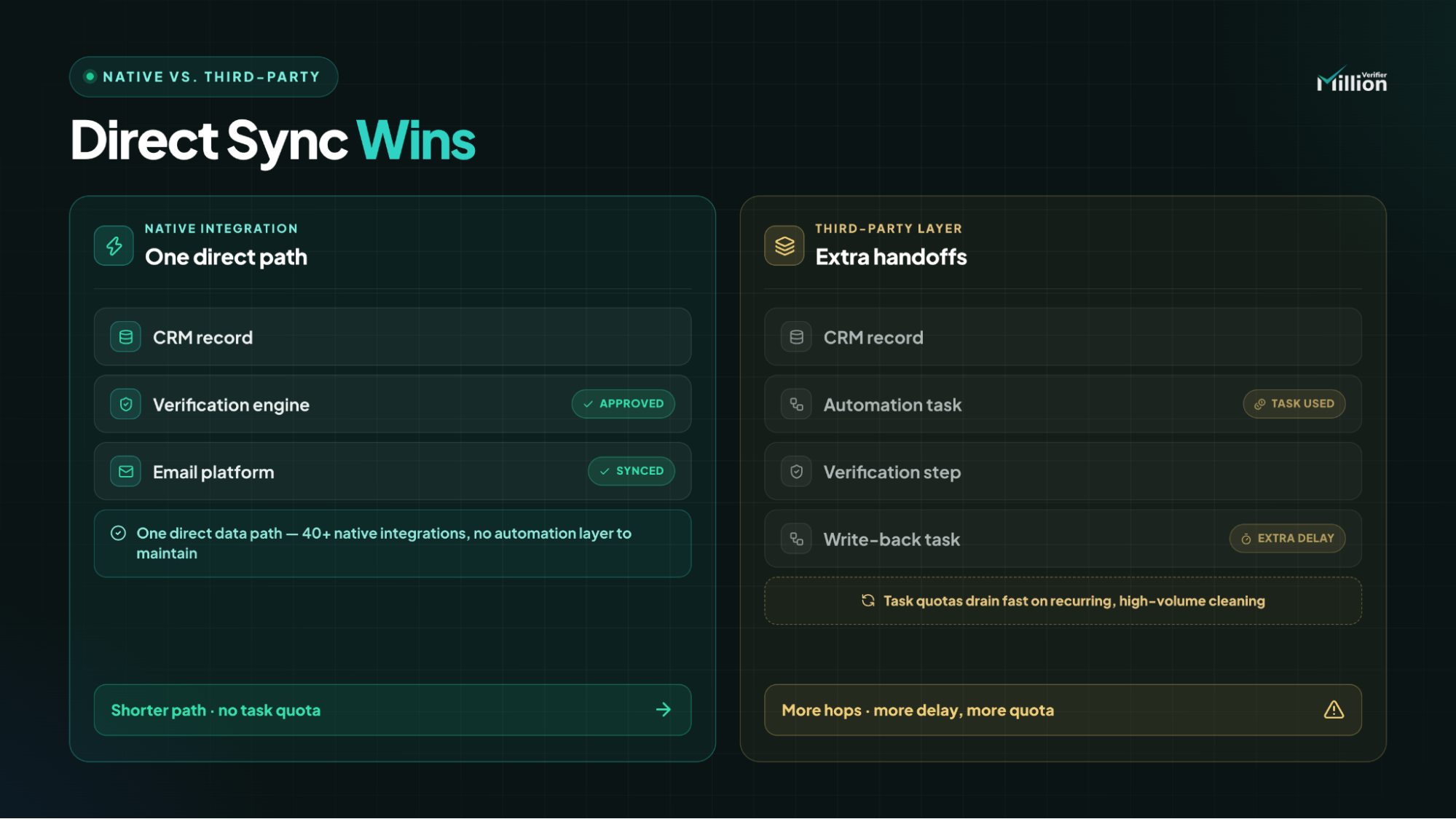
Troubleshooting Common API Sync Errors
| Common Error | How to Fix It |
| CRM rate limits | Wait for API capacity to reset, avoid running too many competing sync jobs at the same time, and rerun the workflow during a quieter window if needed. |
| Disconnected OAuth tokens | Reconnect the HubSpot authorization in MillionVerifier and confirm the original connection has not expired, been revoked, or been changed by an admin. |
| Insufficient permissions | Make sure the connected user can access the required HubSpot lists, Mailchimp audiences, and integration settings needed for the sync. |
| Wrong list or audience selected | Recheck the setup and confirm that the intended HubSpot List or Mailchimp Audience was selected for import and monitoring. |
| HubSpot not syncing contacts | Start with the basics: confirm list selection, verify the OAuth connection is active, and check that the connected user still has the right permissions. |
Frequently Asked Questions
Is a native integration better than Zapier for bulk list cleaning?
Usually, yes. For recurring verification, a native integration is often more efficient because it avoids extra workflow hops, reduces task consumption, and keeps the sync path shorter than a third-party automation setup.
How do you verify emails in HubSpot without doing manual exports?
Connect HubSpot directly in MillionVerifier, choose the lists you want to monitor, and run EverClean daily. Then use fields like MillionVerifier Result and MillionVerifier Date inside HubSpot to control which contacts stay eligible for sends.
What does HubSpot automated list cleaning actually change inside the CRM?
It writes verification data back into HubSpot so you can filter contacts based on email quality. That makes it possible to build Active Lists that automatically exclude invalid or risky records from marketing activity.
How do you clean a Mailchimp audience automatically with MillionVerifier?
Add the Mailchimp API key, select the right Audience, and enable the daily EverClean sync. After that, invalid contacts can be tagged or safely unsubscribed so they do not remain active in your sendable audience.
What should you check first if a HubSpot integration is not syncing contacts?
Check the connection first. In most cases, the first things to review are the OAuth status, the selected HubSpot lists, and whether the connected user still has the permissions required for syncing.
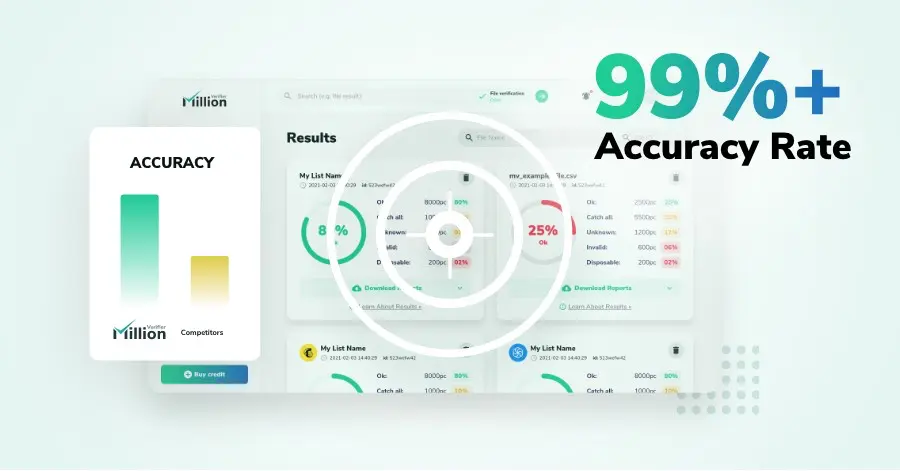
We have kept improving our email verification software for over six years now, and we are incredibly proud of our outstanding 99%+ email verification accuracy.
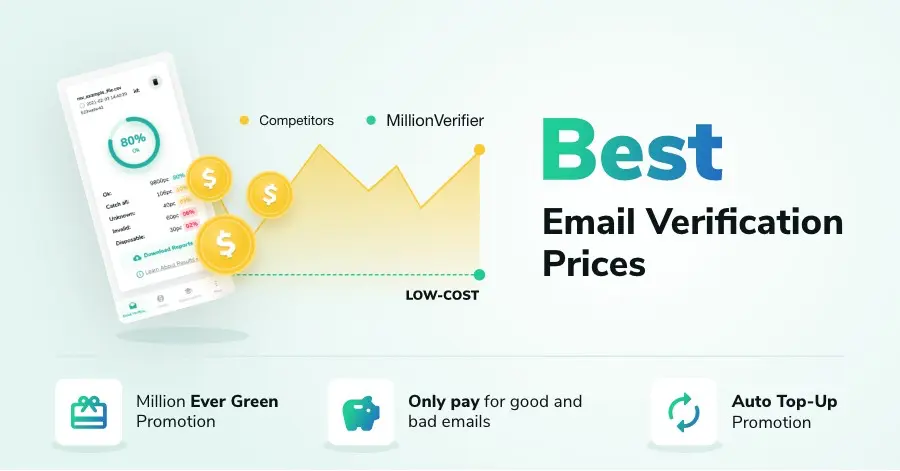
We have created MillionVerifier to provide the best email verification service possible for email marketers with higher email verification needs.
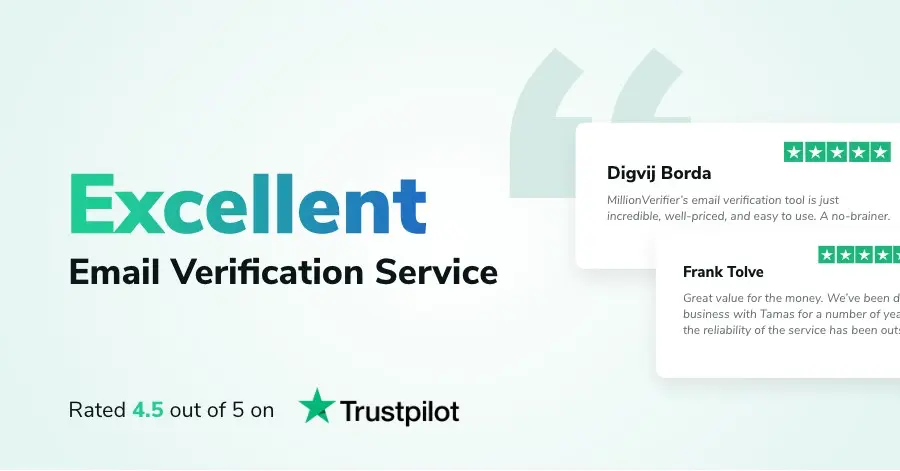
Our customers love what we do. We work hard to deliver the best results and user experience for our customers.