Preventing CRM Data Decay with Background Email Verification
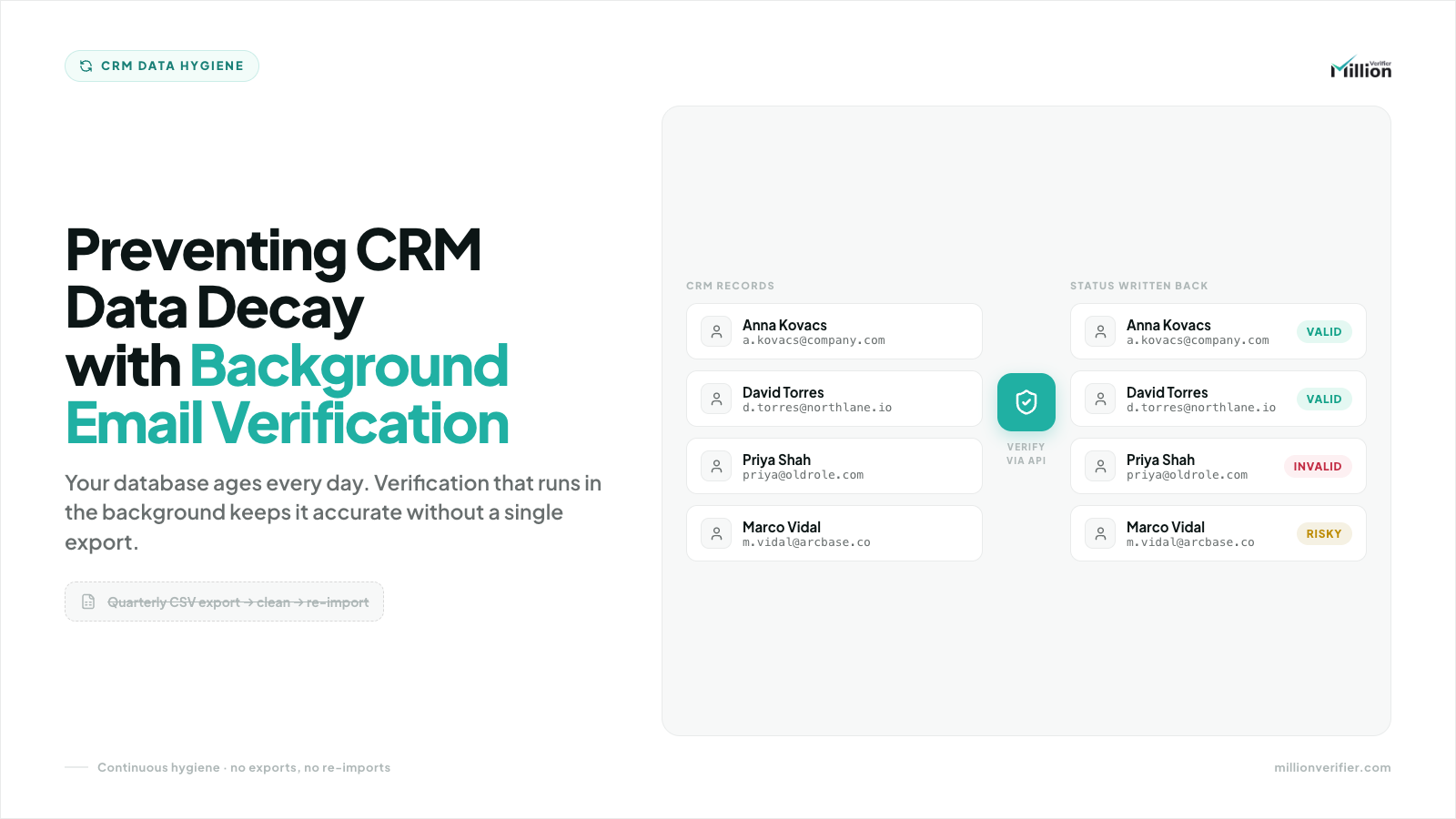
Your CRM does not decay all at once. It degrades a little every day.
In B2B, contacts change jobs, companies merge, domains get retired, and mail servers are reconfigured. That means a database that looked healthy at the start of the year can become risky long before the year ends. If your team still depends on quarterly CSV exports and occasional list scrubs, you are managing a continuous problem with a batch process.
Key Takeaways
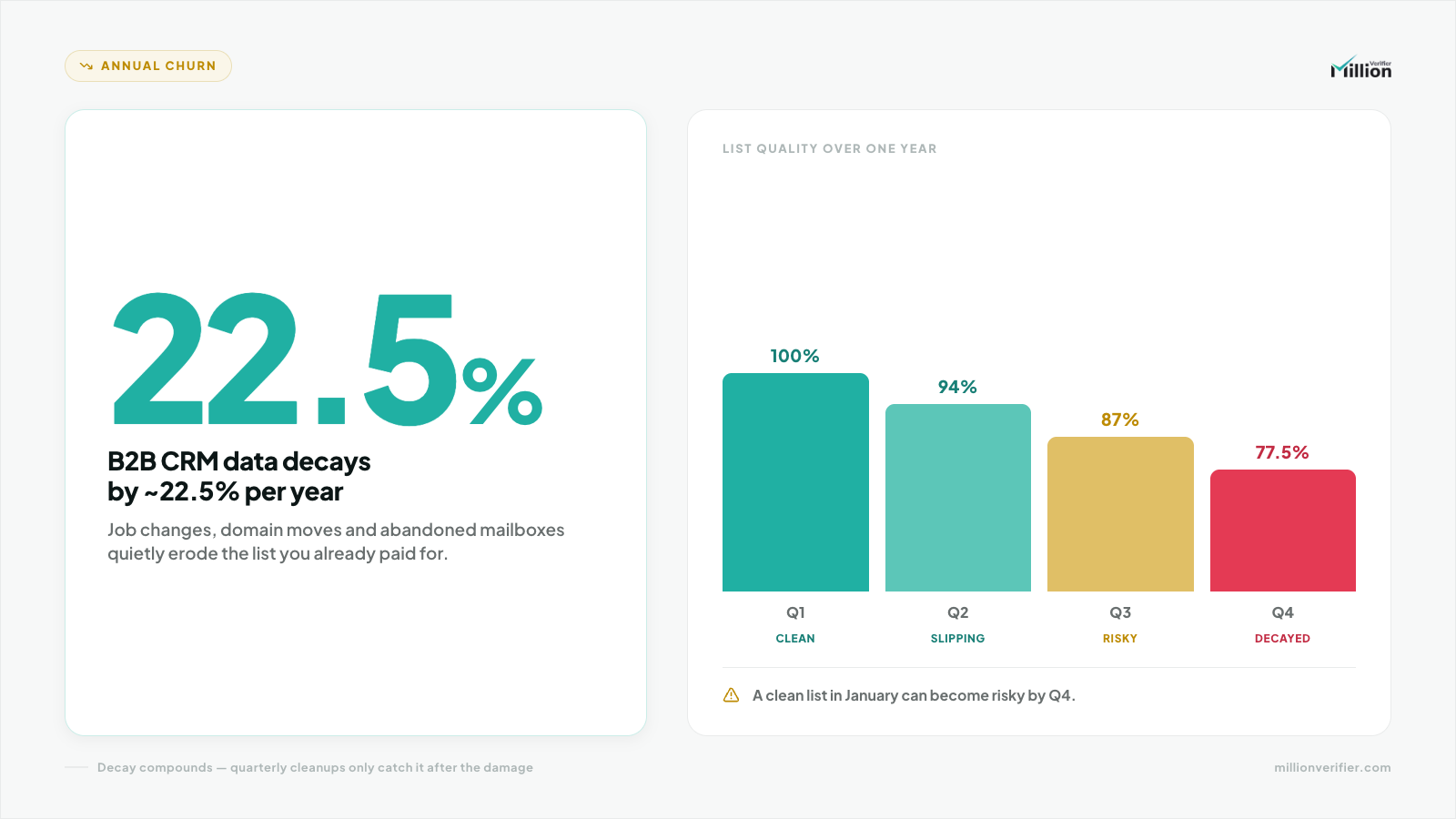
- B2B CRM data decays by roughly 22.5% per year, largely because of job changes, company acquisitions, and server migrations.
- A list that was clean in January can become toxic by Q4 if it is not monitored continuously.
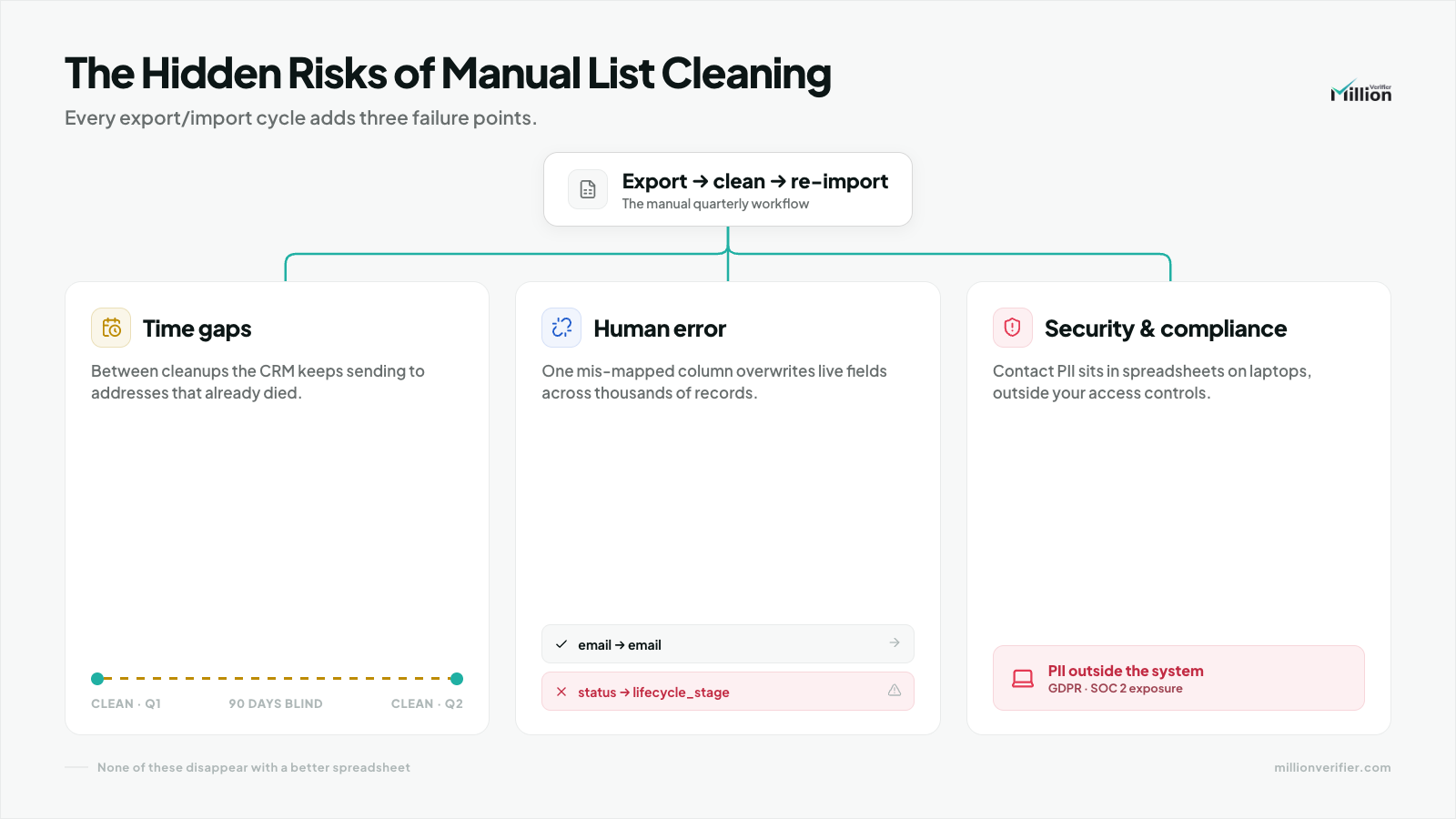
- Manual list cleaning creates three major problems: long gaps between cleanings, human error during CSV handling, and avoidable compliance exposure from downloading raw PII.
- Background email verification solves this by connecting directly to the CRM and checking contact health daily in the background with no human intervention.
- The safest operational model is usually to tag bad records rather than hard-delete them, then exclude them from active sending through CRM workflows.
- EverClean supports a practical, “set and forget” approach to ongoing CRM hygiene.
What Causes B2B CRM Data Decay? (The 22% Annual Churn)
If you have ever asked, “Why is my CRM data decaying so fast?” the short answer is that B2B data is tied to people, companies, and systems that constantly change.
Industry-wide, B2B lists are commonly understood to decay at roughly 22.5% annually. That is not a fringe scenario. It is normal operating reality.
Three of the biggest causes are:
- Job changes: People leave roles, get promoted, or move to new companies, making former work addresses unreliable.
- Company acquisitions and restructures: Merged teams, rebranded domains, and retired business units can invalidate existing contact data.
- Server migrations and technical changes: Mail systems, domain policies, and routing rules change over time, affecting inbox health and deliverability.
This is why point-in-time cleaning creates a false sense of confidence. A list that is 100% clean in January does not stay 100% clean all year. By Q4, that same list can contain enough bad or risky contacts to damage campaign performance and distort your CRM reporting.
In other words, CRM decay is continuous. Your hygiene process should be continuous too.
The Hidden Risks of Manual List Cleaning (CSV Exports)
Manual list cleaning often looks harmless because it is familiar. Export the file, run a cleanup, import the results, and move on. But the risk is not just the cleaning itself. The risk is everything around it.
1. Time gaps between quarterly cleanings
Many teams clean lists once a quarter. The problem is that data decay does not wait for the next quarterly review. If invalid contacts accumulate for weeks or months, your active sending lists stay exposed in the meantime. That creates a long risk window where teams may continue emailing contacts that have already gone bad.
2. Human error during export and import
CSV workflows are fragile. Teams can easily:
- Export the wrong segment.
- Overwrite fields.
- Break mappings during re-import.
- Import stale files.
- Update the wrong records.
Even careful operators make mistakes when a process depends on repeated manual handoffs. Every export/import cycle introduces avoidable operational risk.
3. Security and compliance exposure
Downloading raw CRM data to local laptops can create unnecessary compliance issues, especially when those exports contain personally identifiable information (PII).
For teams operating under SOC 2 controls or GDPR obligations, moving raw PII into spreadsheets on employee devices expands the surface area of risk. The more often data is copied, downloaded, and re-uploaded, the harder it becomes to maintain strong governance.
That is why manual list cleaning is not only inefficient. It can also be harder to defend from a security and compliance perspective.
How Background Email Verification Works (The API Workflow)
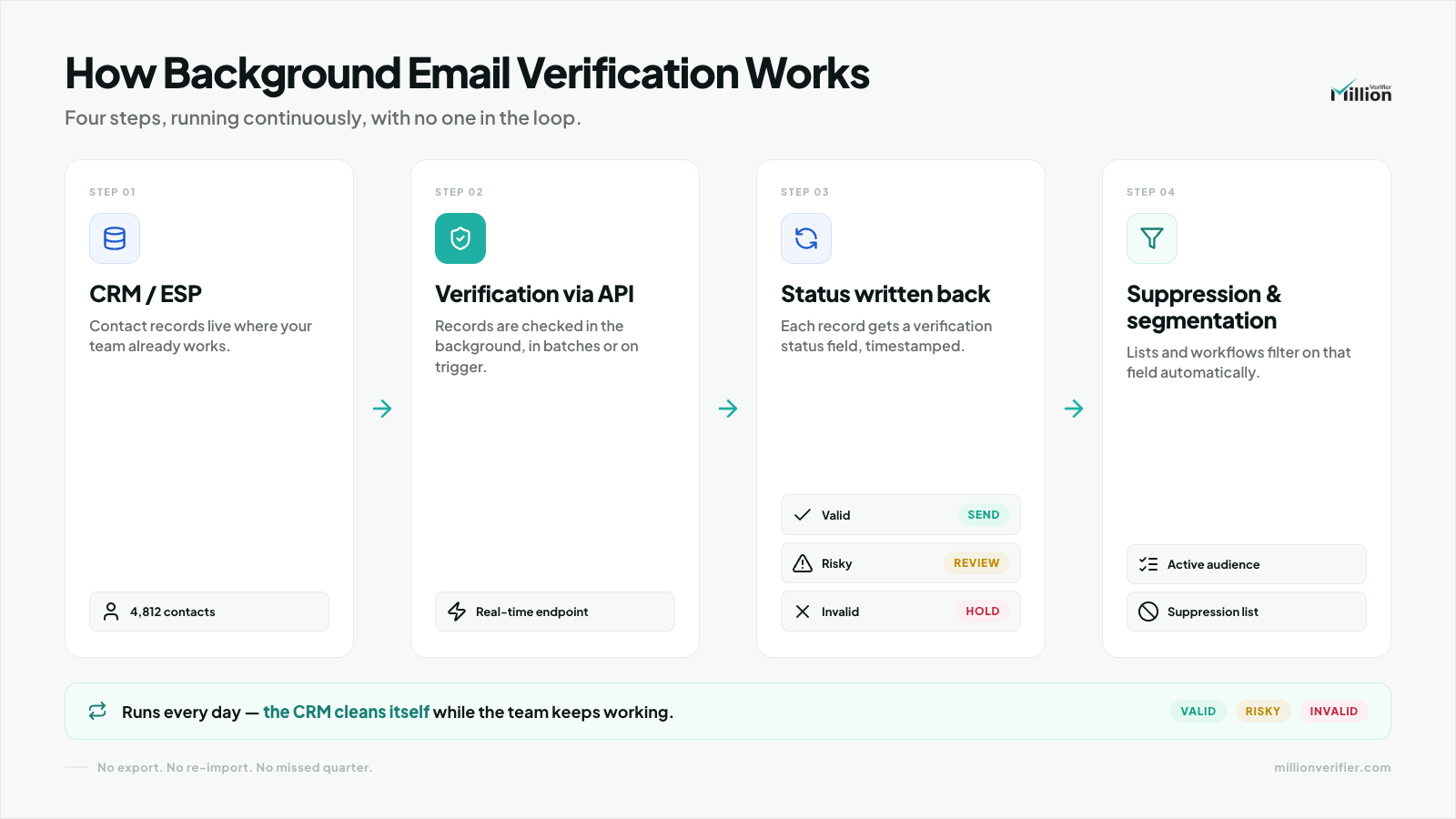
Background email verification replaces manual list handling with a direct system-to-system workflow.
At a plain-language level, the process works like this:
- EverClean connects directly to your CRM.
- It checks contact email health daily in the background.
- The verification happens with no human intervention.
- Verification results can then be used to update contact status, guide segmentation, and reduce risk in active sending lists.
Instead of waiting for someone to remember the next cleanup, the system keeps monitoring the database as part of normal operations. This matters because it turns hygiene into an ongoing control, not an occasional project.
Scheduled vs. Trigger-Based Verification
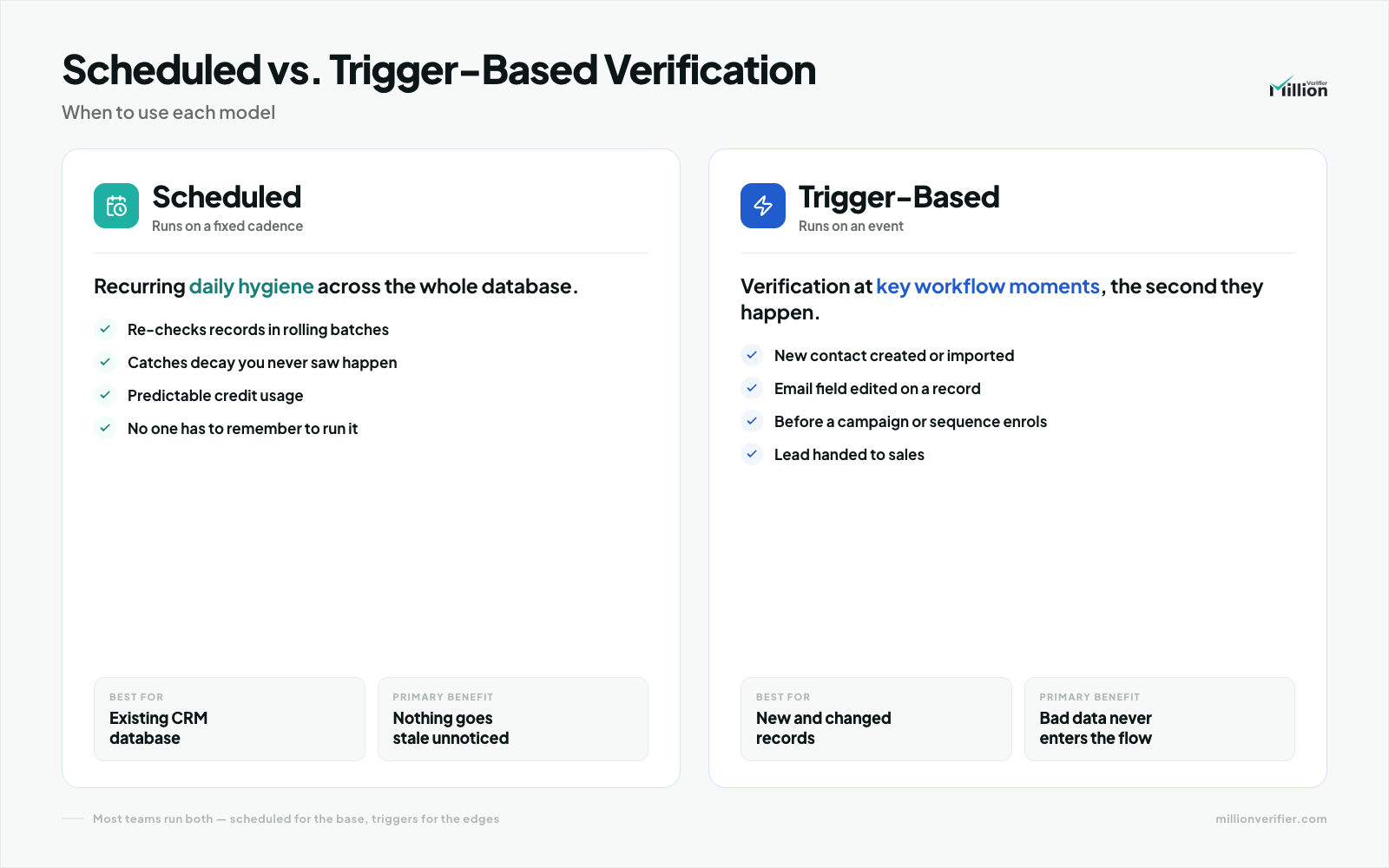
Both scheduled verification and trigger-based verification can be useful. The right choice depends on whether you want broad coverage, event-based precision, or both.
| Approach | How it works | Best for | Main advantage | Main limitation |
| Scheduled Verification | Contacts are checked on a recurring cadence, such as daily. | Ongoing CRM hygiene across large databases. | Consistent coverage that catches decay happening between campaigns. | May verify some records that are not immediately being used. |
| Trigger-Based Verification | Contacts are checked when a specific event happens, such as a form fill or lifecycle stage change. | High-intent moments like MQL handoff or campaign entry. | Verifies records at the moment they matter most. | Does not provide full-database protection on its own. |
For most B2B teams, scheduled verification is the backbone of hygiene, while trigger-based checks can add extra control at high-value workflow moments.
Setting Up a "Set and Forget" Hygiene Routine with EverClean
A practical automation routine does not need to be complicated. The goal is to reduce manual handling and make verification part of normal CRM operations.
A simple model looks like this:
- Connect EverClean to the CRM.
- Run verification on a daily background schedule.
- Write verification outcomes back to contact records.
- Use CRM workflows to suppress risky records from active sending.
- Review exceptions and trends instead of manually cleaning the whole list.
This is the operational shift teams are looking for: stop treating hygiene as a quarterly project and start treating it as a continuous system.
Note: If you want a broader operational framework for building this process, use The Complete Guide to Automated List Hygiene as the next internal resource.
Automated Segmentation: What to Do with Bouncing Contacts
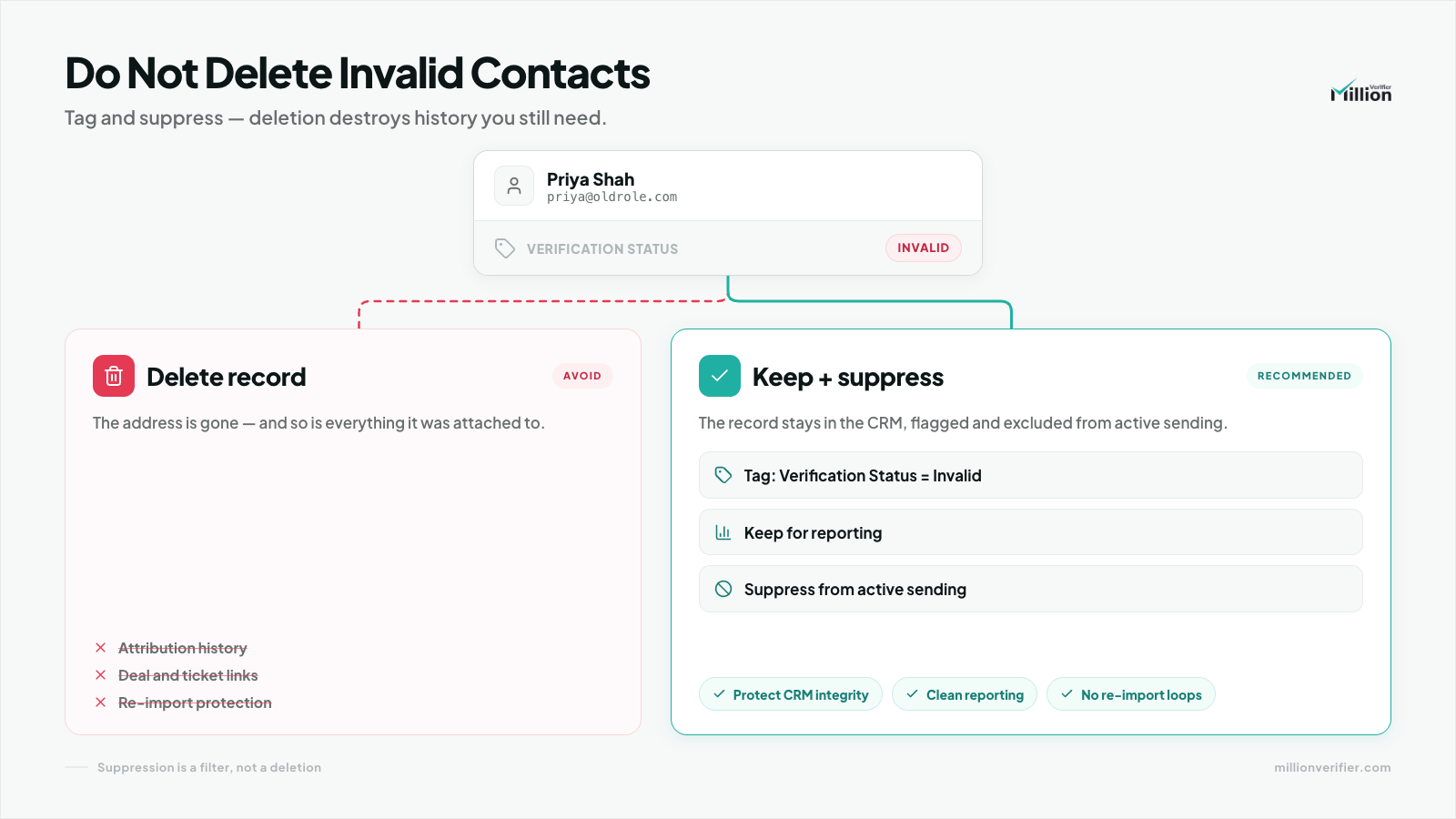
One of the most common mistakes in CRM hygiene is hard-deleting bad contacts too early.
In most cases, you should not hard-delete invalid emails immediately. Deleting records can remove useful history, break reporting continuity, and make future auditing harder.
A better approach is to:
- Tag the contact with a field such as Verification Status: Invalid.
- Keep the record for historical and operational context.
- Exclude that segment from active sending lists.
- Use CRM workflows to prevent those contacts from re-entering campaigns automatically.
This gives teams a cleaner sending audience without destroying valuable CRM history. The goal is not just to remove risk. It is to make the database more governable.
Frequently Asked Questions
What is CRM data decay?
CRM data decay is the gradual loss of accuracy in your contact database over time. In B2B, this often happens because people change jobs, companies merge, domains change, or email systems are reconfigured.
How fast do B2B email lists decay?
A common industry benchmark is roughly 22.5% annual decay. That is why a list cleaned once at the beginning of the year can become unreliable by the end of the year.
Why is manual list cleaning risky?
Manual cleaning creates long periods between checks, increases the chance of CSV import/export mistakes, and can raise compliance concerns when raw PII is downloaded to local devices.
What is background email verification?
Background email verification is an automated process where a system like EverClean connects directly to the CRM, checks email health on a recurring basis, and updates records without requiring manual intervention.
Should I delete invalid email addresses from my CRM?
Usually, no. It is often better to mark them with a status such as Verification Status: Invalid and filter them out of active sending lists using automated CRM workflows.
Is scheduled or trigger-based verification better?
Scheduled verification is usually better for ongoing database hygiene, while trigger-based verification is useful at critical moments like form fills or lead qualification. Many teams benefit from using scheduled verification as the foundation.
Final Thought
If your CRM hygiene process depends on quarterly exports, the process is already lagging behind the pace of B2B data decay. Background verification offers a more reliable model: direct CRM connection, daily checks, less manual handling, and better control over deliverability and compliance.
That is the real value of a set-and-forget workflow. It helps your team protect data quality continuously instead of trying to repair it after the damage is already done.
Ready to Automate Your List Hygiene?
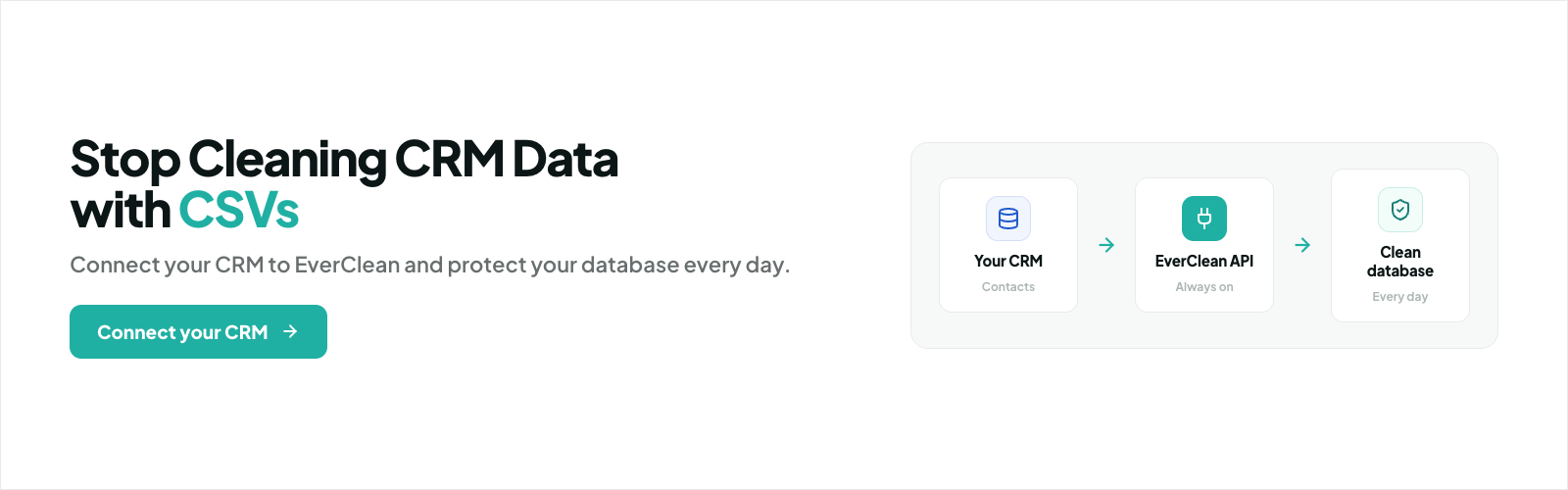
If your team is still exporting CSVs to manage email quality, it is time to move to a safer and more scalable model. Connect your CRM to EverClean and automate ongoing verification in the background so your database stays healthier without creating more manual work.
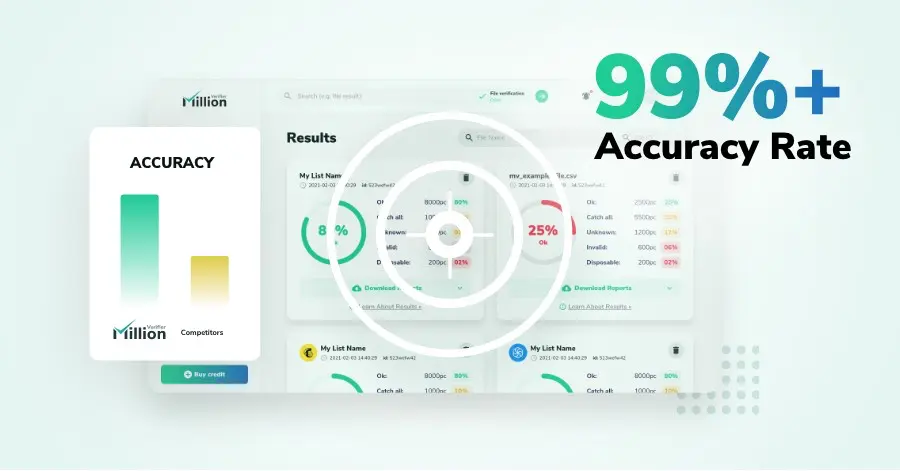
We have kept improving our email verification software for over six years now, and we are incredibly proud of our outstanding 99%+ email verification accuracy.
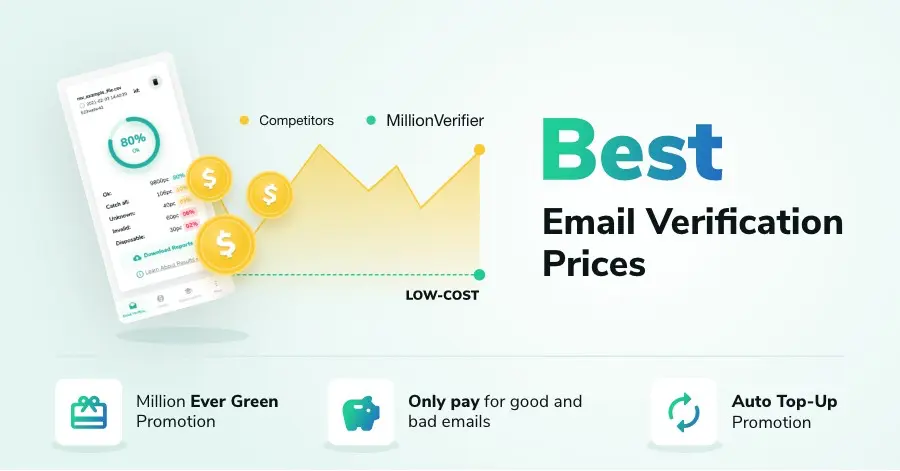
We have created MillionVerifier to provide the best email verification service possible for email marketers with higher email verification needs.
Our customers love what we do. We work hard to deliver the best results and user experience for our customers.