The Complete Guide to Automated List Hygiene
Keeping your email database clean should not depend on manual exports, quarterly reminders, or spreadsheet-heavy workflows. Automated list hygiene turns list cleaning into a continuous background process that protects deliverability, reduces wasted spend, and keeps both inbound and outbound programs running safely.
Summary
- Automated list hygiene replaces manual CSV exports with continuous API-based verification.
- Quarterly list cleaning is too slow to prevent bounce buildup and sender reputation damage.
- Email databases decay every month, which means inactive or invalid contacts quietly accumulate fast.
- EverClean verifies new and aging records daily so bad data is handled before it hurts campaigns.
- Native integrations with major ESPs and outreach tools make setup fast and code-free.
- Teams can choose whether to tag, unsubscribe, or route risky contacts like catch-alls for review.
- Automated cleaning improves deliverability, saves operator time, and can reduce ESP billing costs.
What is Automated List Hygiene?
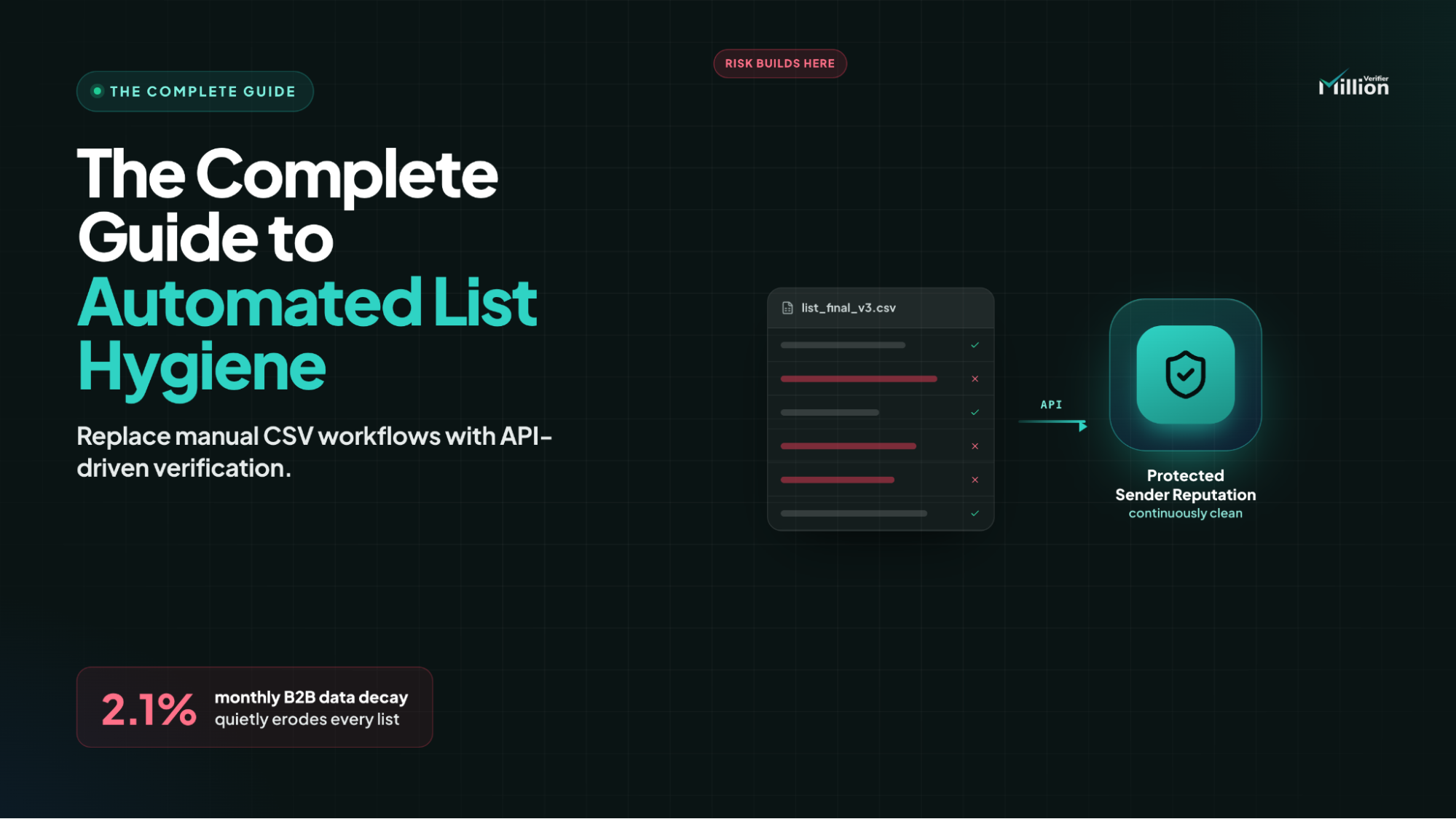
Automated list hygiene is the process of connecting your Email Service Provider (ESP) or CRM to a verification engine via API. Instead of manually exporting CSVs, the system runs daily background checks to identify and remove decayed or bouncing emails, ensuring your database remains continuously clean and sender reputation stays protected.
The Problem with Manual CSV Cleaning (Why Quarterly Audits Fail)
Manual list cleaning sounds manageable until it becomes operational debt.
The traditional process usually looks like this: export a CSV from your ESP or CRM, upload it to a verifier, wait for results, download the cleaned file, then re-import it carefully without disrupting segmentation or automations. It is slow, repetitive, and highly vulnerable to human error.
More importantly, quarterly cleaning is not frequent enough. If your automations run every day, your list is decaying every day too. That means dead emails can pile up for weeks before anyone notices. By the time the next audit arrives, automated campaigns may already have generated avoidable hard bounces, reduced inbox placement, and weakened sender reputation.
Database Decay Benchmarks: How Fast Does a List Rot?
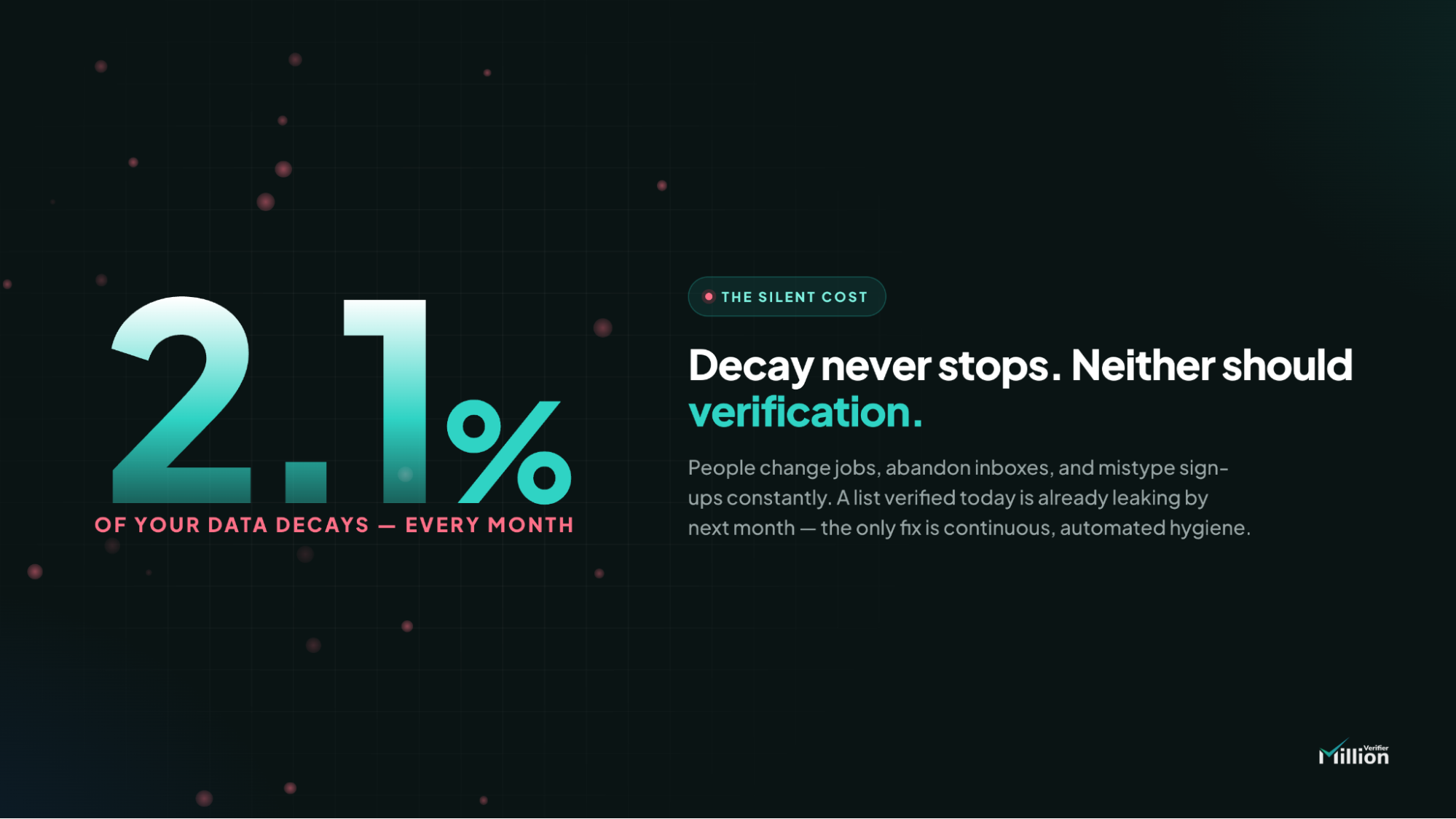
Email lists do not stay healthy on their own. They decay continuously as people change jobs, abandon inboxes, switch domains, or let business email addresses lapse.
Using MillionVerifier internal benchmarks, B2B email databases decay at roughly 2.1% per month. On a list of 100,000 subscribers, that means about 2,100 contacts can silently become future hard bounces in a single month.
Even modest decay creates significant risk at scale:
- 10,000 contacts at 2.1% monthly decay = 210 newly risky emails
- 50,000 contacts at 2.1% monthly decay = 1,050 newly risky emails
- 100,000 contacts at 2.1% monthly decay = 2,100 newly risky emails
This is why periodic cleaning is no longer enough for serious email operators. If decay happens daily, hygiene must happen daily too.
How EverClean Works: The Daily Verification Engine
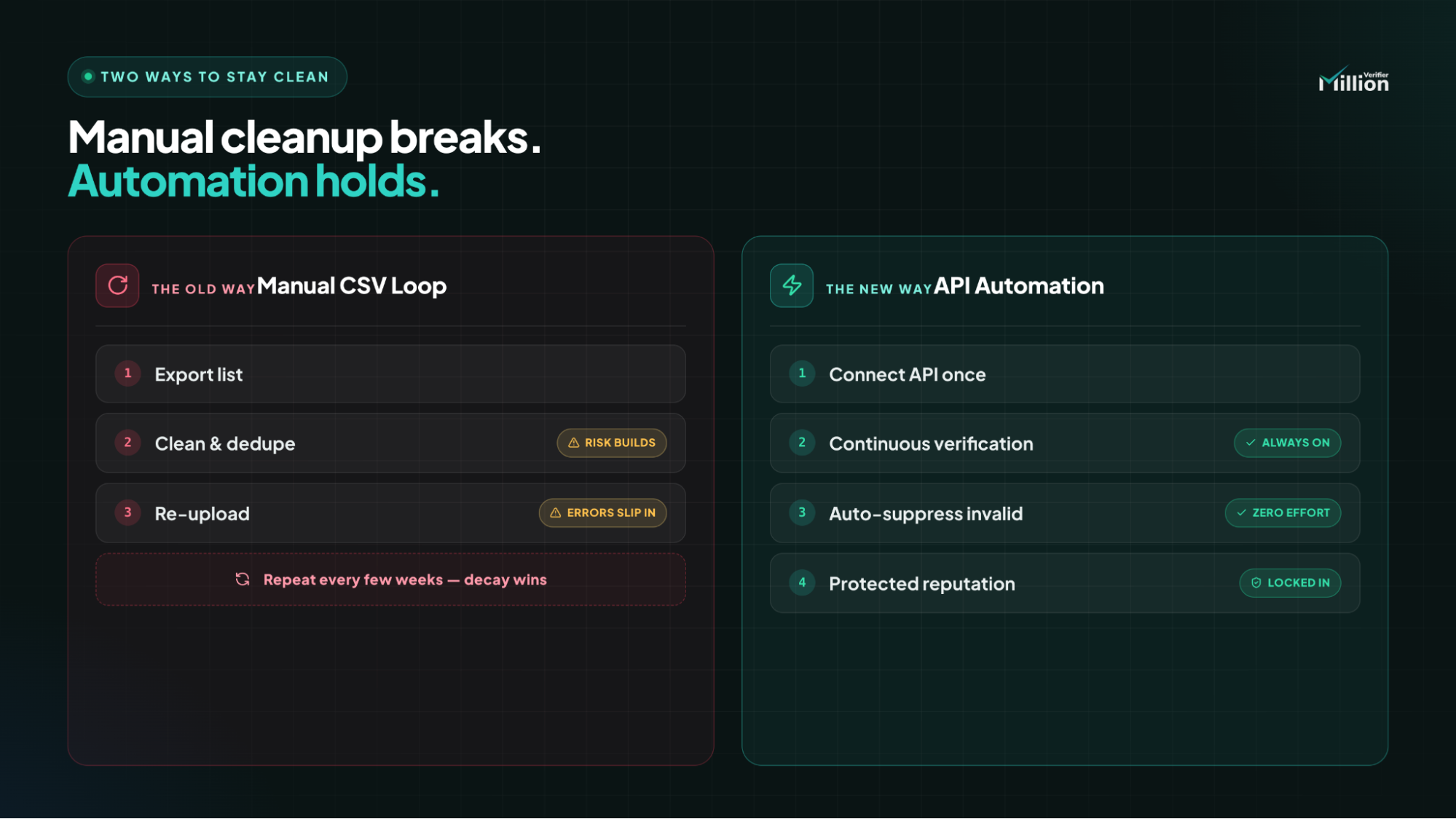
EverClean is MillionVerifier’s automated list hygiene engine designed to keep databases clean without manual intervention.
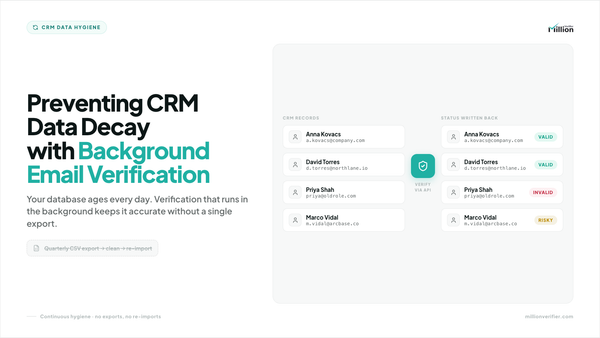
Once connected to your ESP, CRM, or outreach platform, EverClean runs a daily sync in the background. It scans for newly added contacts, re-verifies older cohorts that may have decayed since their last check, and identifies risky addresses before they enter active sending workflows.
Instead of waiting for a manual clean-up project, EverClean continuously manages list quality behind the scenes. The result is a healthier database, fewer hard bounces, and a cleaner sending environment for every campaign.
Seamless Integrations: Connecting to Your Inbound Marketing Stack
For inbound marketing teams, setup needs to be simple and reliable. EverClean supports 17+ major ESPs and marketing platforms, including Mailchimp, HubSpot, ActiveCampaign, Brevo, and SendGrid.
These are official OAuth/API-based connections, which means there is no coding required. You do not need to export files, build a workaround, or involve engineering just to keep your list healthy.
That matters because inbound teams already run complex workflows across newsletters, nurture sequences, lifecycle campaigns, and CRM automations. Automated list hygiene fits directly into that stack instead of creating another manual task.
Automating Cold Email Infrastructure (Instantly, Lemlist, & Smartlead)
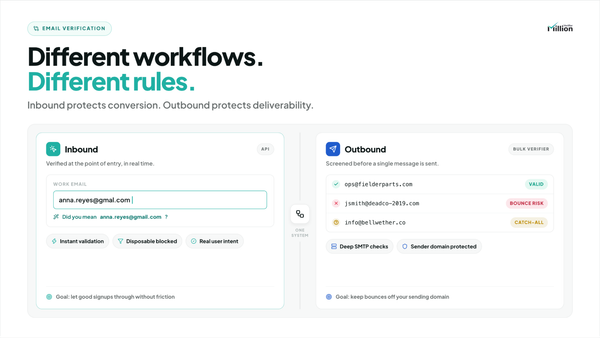
Automated list hygiene is just as critical for outbound teams.
Cold email agencies and sales teams cannot afford a single preventable hard bounce without risking domain health. When prospect data is scraped from sources like Apollo or ZoomInfo, it should be cleaned before the first sequence ever launches.
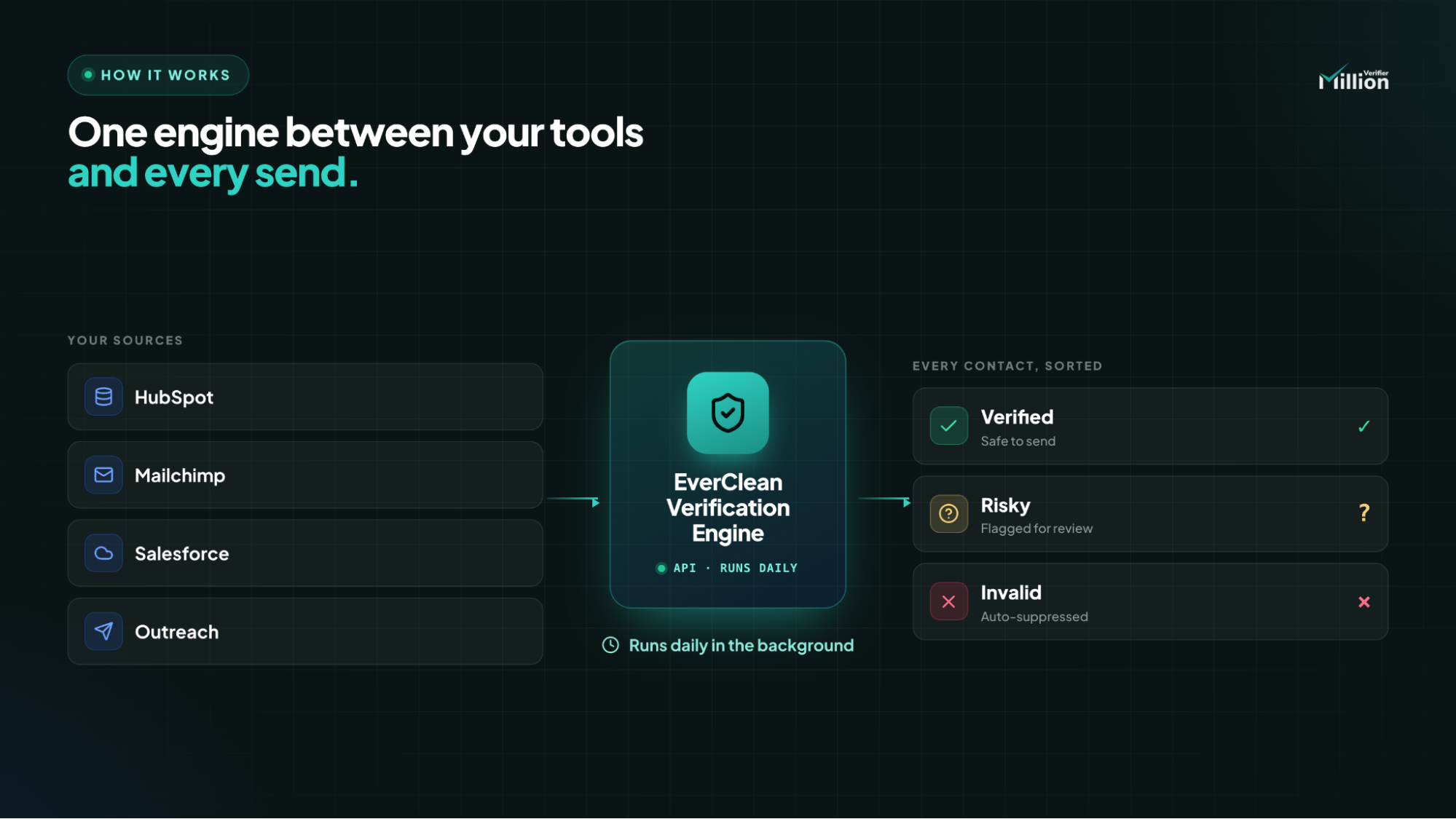
EverClean supports this workflow by plugging into modern outreach tools like Instantly.ai, Lemlist, and Smartlead, either natively or through automation layers such as Zapier or Make. That means prospect records can be verified before they are pushed into active campaigns.
For cold email operators, this creates an extra layer of protection between list acquisition and message delivery. Instead of finding out a list is bad after bounce rates climb, the system helps stop risky records before they burn infrastructure.
Tagging vs. Unsubscribing: How Your CRM Data is Handled
One of the biggest concerns with automation is accidental data loss. EverClean is designed to prevent that.
Rather than permanently deleting a contact, EverClean can safely apply a tag such as millionverifier: invalid or update the contact’s status to “Unsubscribed,” depending on the platform and the rule you choose.
This preserves CRM history, reporting continuity, and downstream context for sales and marketing teams. You keep the record, remove the sending risk, and maintain full control over how bad data is treated.
Customizing Automation Rules: How to Handle "Catch-Alls"
Advanced operators do not all want the same outcome from verification. That is especially true for catch-all domains.
B2B marketers and cold email teams often have different risk tolerances, so EverClean allows users to define custom automation rules based on exact verification outcomes. For example, you might automatically unsubscribe all Invalid contacts while applying a “Review” tag to Catch-Alls.
That lets your team separate clearly dangerous records from addresses that may still be usable in a controlled workflow. Sales teams can then route catch-alls into a slower, lower-risk testing campaign instead of treating them exactly like confirmed valid contacts.
The Financial ROI of Background Verification
Automated list hygiene is not just a deliverability play. It is also a cost-efficiency lever.
First, removing dead or undeliverable contacts before the end of a billing cycle can reduce the number of active records in platforms like HubSpot or Mailchimp. That can help teams stay in a lower pricing tier instead of paying to store and message contacts that no longer have value.
For example, if your account is billed at a higher tier once you cross 50,000 active contacts and EverClean identifies 1,800 invalid records from a 51,200-contact database, you could fall back below the threshold before the next billing cycle.
Second, it cuts manual labor. If a marketer or RevOps operator spends around 2 hours per cleanup cycle exporting, verifying, reviewing, and re-importing lists, and that happens 4 times per month, that equals 8 hours monthly.
At a blended labor rate of $50/hour, that is:
8 hours × $50 = $400/month
And that estimate does not include the cost of operator mistakes, rework, or lost campaign performance caused by avoidable bounces.
In short, background verification protects sender reputation while reducing both software waste and human effort.
Step-by-Step: Automating Your List Hygiene in 3 Clicks
Getting started is straightforward:
- Select your ESP or Outreach tool from the integrations menu.
- Click "Connect" and authorize the login.
- Configure your custom rules (Tag vs. Unsubscribe).
- Toggle the "Daily Automated Cleaning" switch to ON.
Once enabled, EverClean works continuously in the background so your list stays healthier without ongoing manual cleanup.
FAQ
How often should email lists be cleaned?
For active databases, continuous cleaning is the safest option. Since email decay happens daily, automated verification is more effective than monthly or quarterly manual audits.
Will EverClean delete my contacts?
No. EverClean is designed to preserve your CRM data. It can tag risky contacts or change their status to “Unsubscribed” rather than permanently deleting them.
Which platforms does EverClean support?
EverClean supports 40+ major ESPs and marketing tools, including Mailchimp, HubSpot, ActiveCampaign, Brevo, and SendGrid, plus modern outbound workflows through tools like Instantly.ai, Lemlist, and Smartlead.
What should I do with catch-all emails?
That depends on your risk tolerance. Many teams choose to automatically unsubscribe invalid emails while tagging catch-alls for manual review or placement into a specialized testing sequence.
Why is automated list hygiene better than CSV-based cleaning?
Because it removes manual work, reduces the chance of operator error, and catches decayed contacts before they generate hard bounces inside live campaigns.
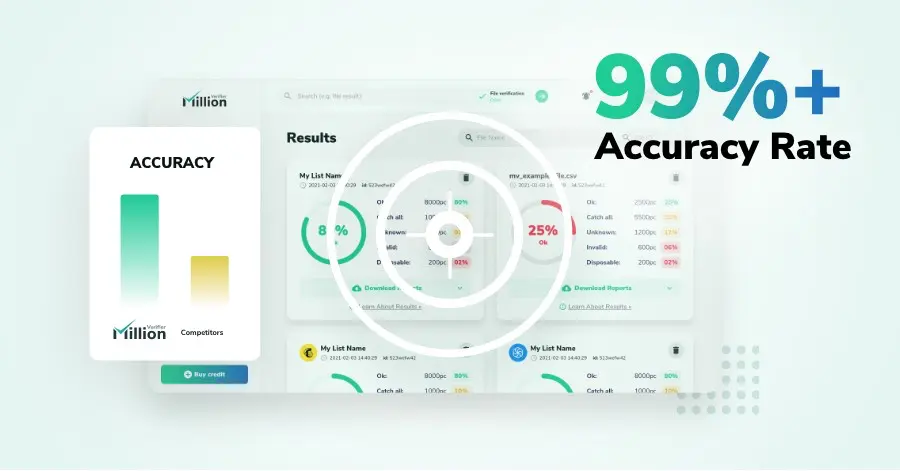
We have kept improving our email verification software for over six years now, and we are incredibly proud of our outstanding 99%+ email verification accuracy.
We have created MillionVerifier to provide the best email verification service possible for email marketers with higher email verification needs.
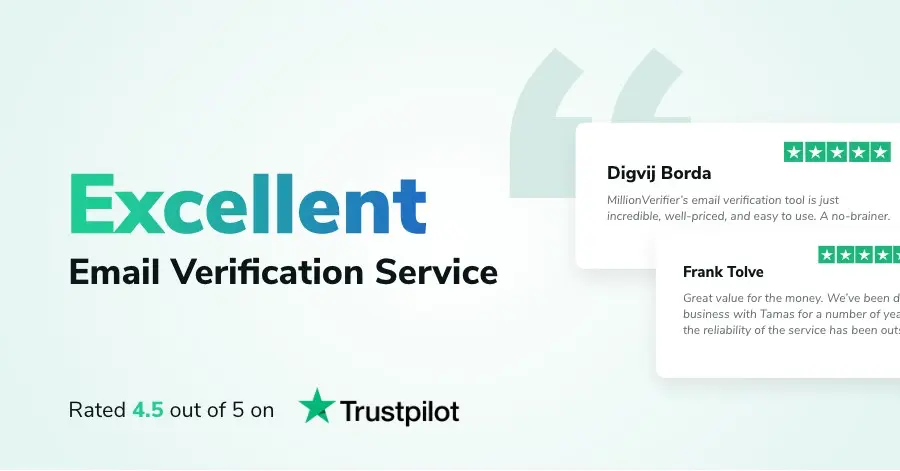
Our customers love what we do. We work hard to deliver the best results and user experience for our customers.